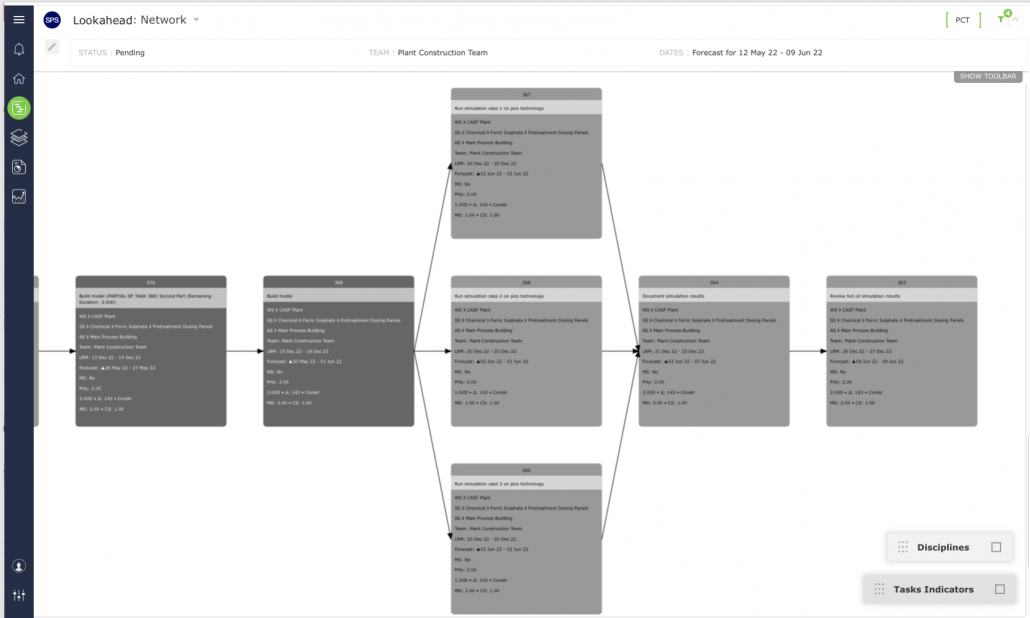
The Network Manager is one of the three main SPS|PM views along with the Task List view and Gantt Chart. The Network Manager view allows users to create and edit tasks and work streams graphically, to define and view task dependencies within a workstream, and determine the status of any portion of work across the project.
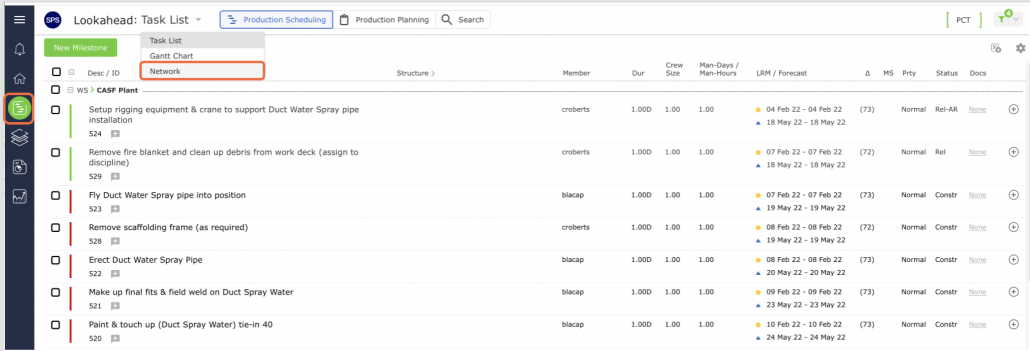
To access the Network Manager, from the Main Navigation Bar select Lookahead and then choose Network Manager on the top dropdown.
The Network Manager displays all data loaded by a project team(s) in SPS|PM in a network view based on filters selected in the Lookahead (Network Manager), as shown below.