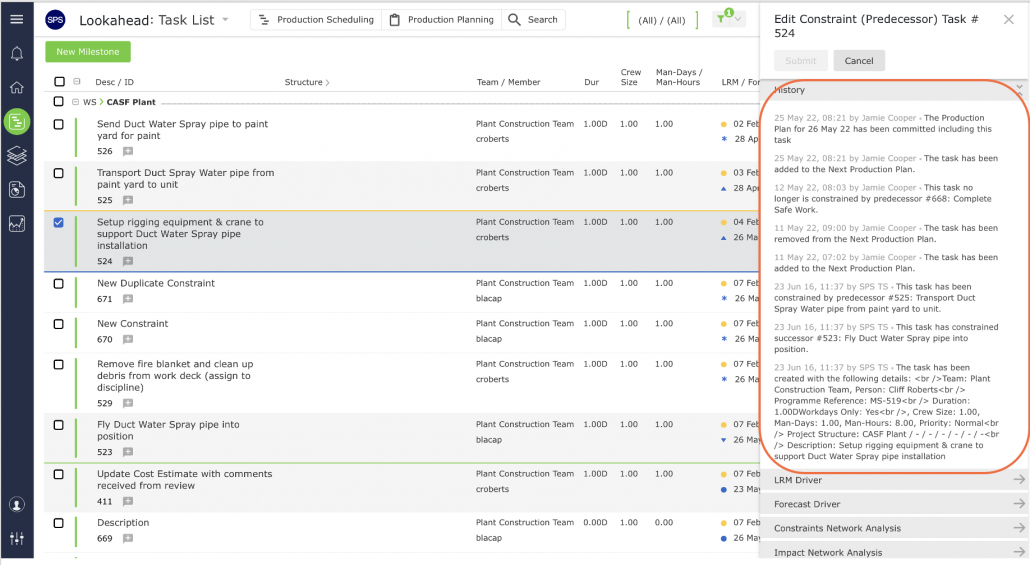
The Task History Report displays all changes made to a task throughout its lifetime
To access the report open the Task History window by using the method described below:
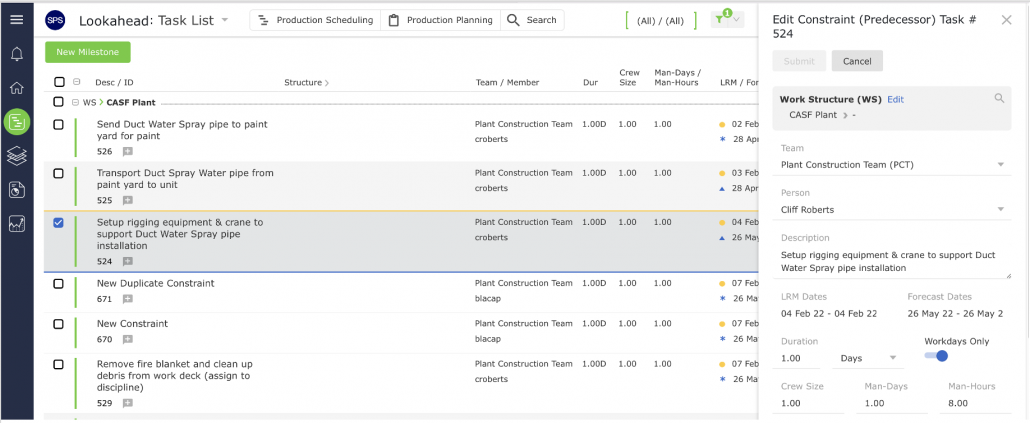
- From the Lookahead view, select the desired Milestone / Task by clicking once anywhere on the Milestone / Task row. Once selected, Edit Constraint (Predecessor) Task window will open.
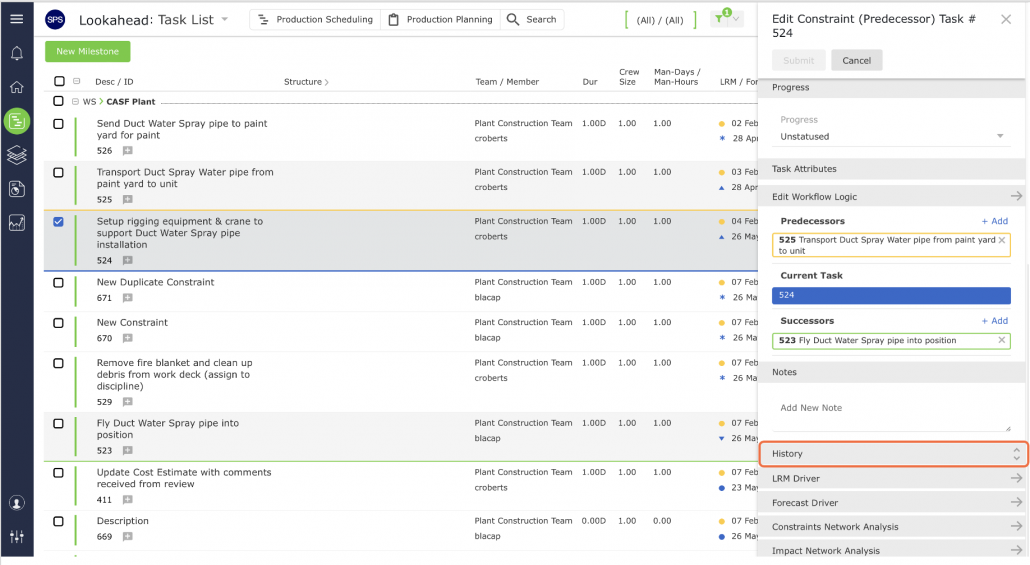
- When the Edit Constraint (Predecessor) Task window opens, scroll to find History as shown below.
- After selecting History, the task’s history that you have chosen will appear.