
To edit an existing Milestone / Task in the Lookahead: Task List view, use one of the following methods:
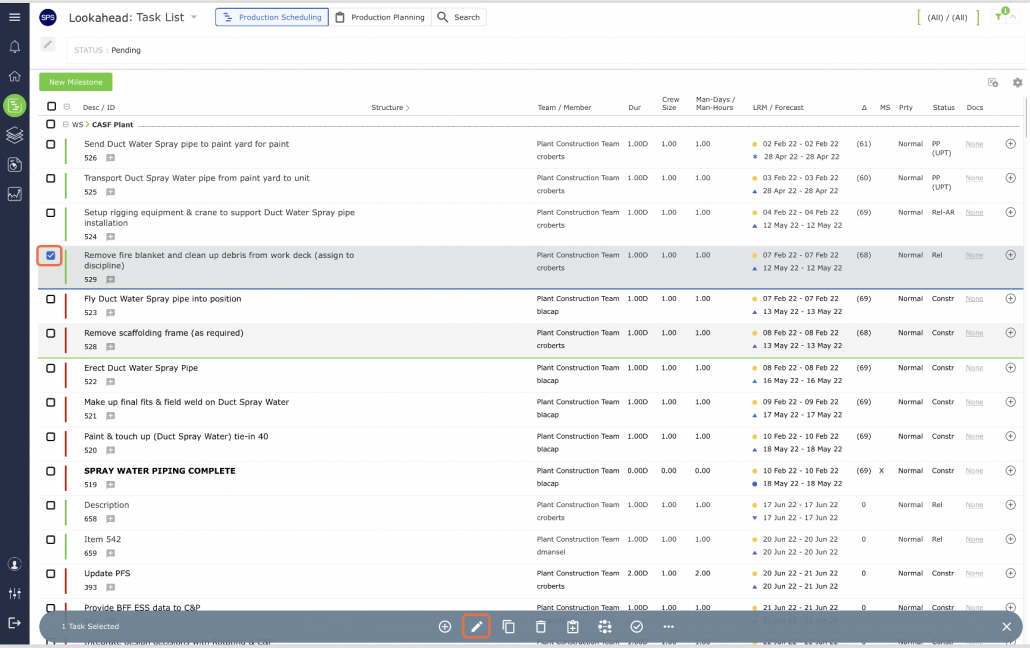
Select the Milestone / Task by clicking on the checkbox to the left of the task. Once selected the task row will highlight and underlined in blue. Select the Edit Task icon on the bottom toolbar as shown below.
OR
Click on the description of the Milestone / Task row and the Edit Task / Milestone window will open on the right of the screen.
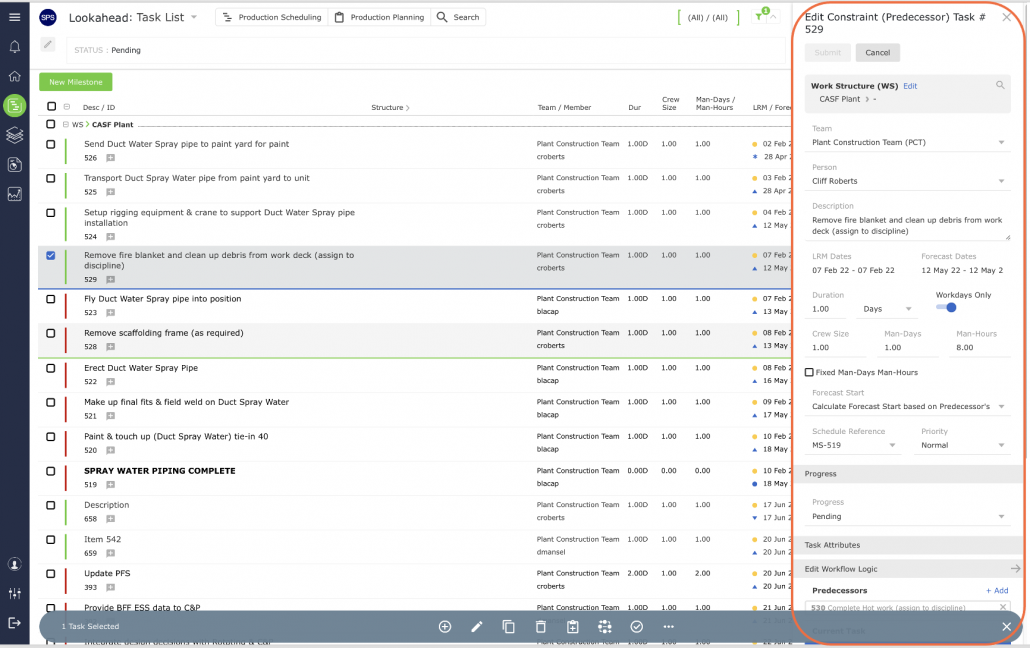
Once the Edit Milestone / Edit Constraint (Predecessor) Task window is open, you can modify any of the Milestone / Task attributes using the drop-downs and / or text boxes (see Insert Milestone / Task for a description of each of the Milestone attributes).
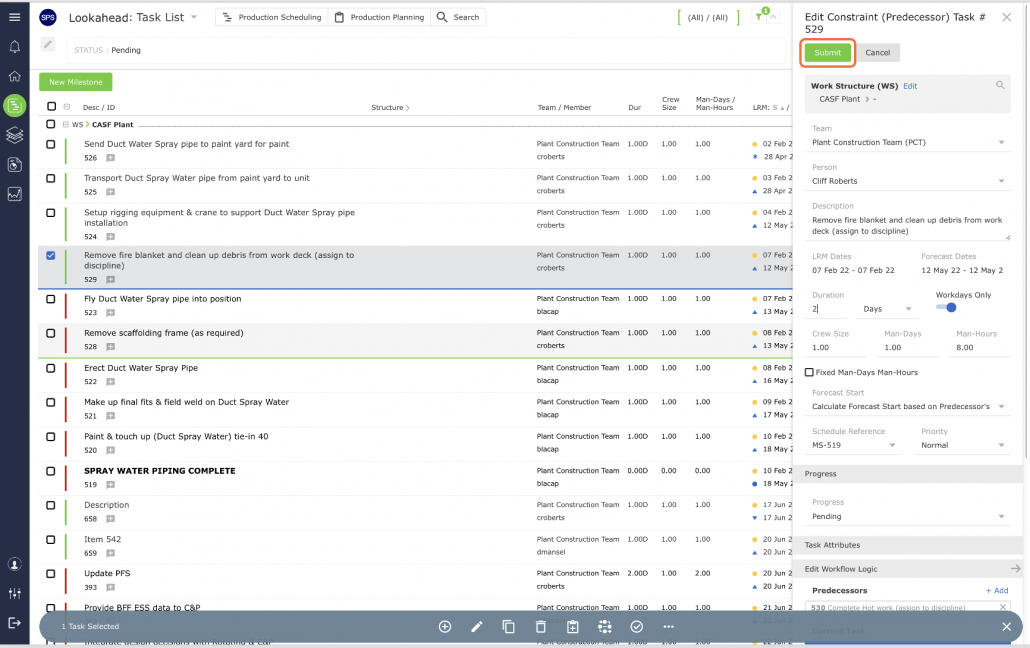
Once the correct information has been entered, click the Submit button to save the changes.