
Based on the same calculation of progress as in the Progress by Man-Days report, SPS|PM enables the definition of progress for any level of the Work Structure. SPS|PM does this through its Progress by Work Structure report. The report shows total man-hours, completed Man-Hours and % completed based on the selection of attributes in the available controls. Depending on the complexity of work, a second and third structure can be enabled, in which case, progress can also be measured according to any new structure (e.g., by systems, by areas).
To access the Progress by Work Structure report, complete the steps below:
- From the Main Navigation Bar select Reports, then select Progress by Work Structure.

- The Progress by Work Structure report opens in a new window and automatically displays the report for the team selected under the Team Menu.
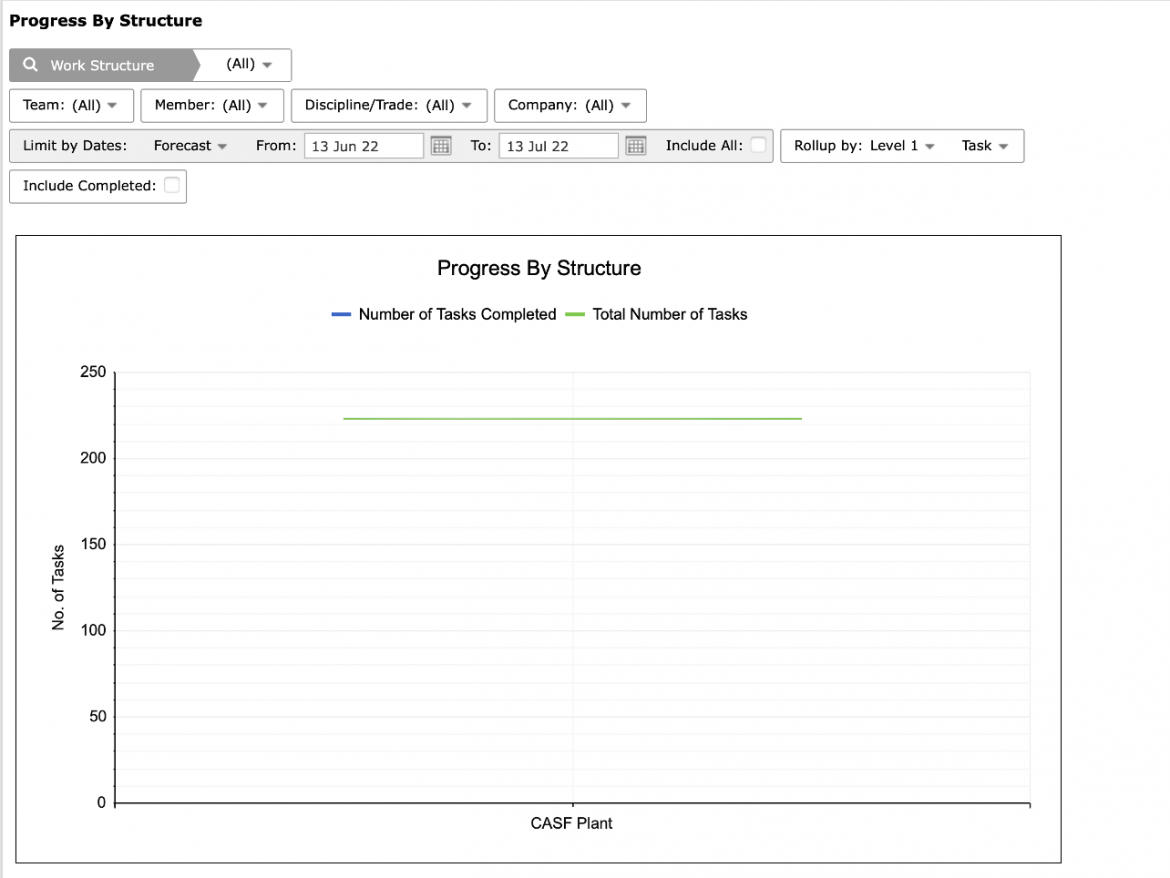
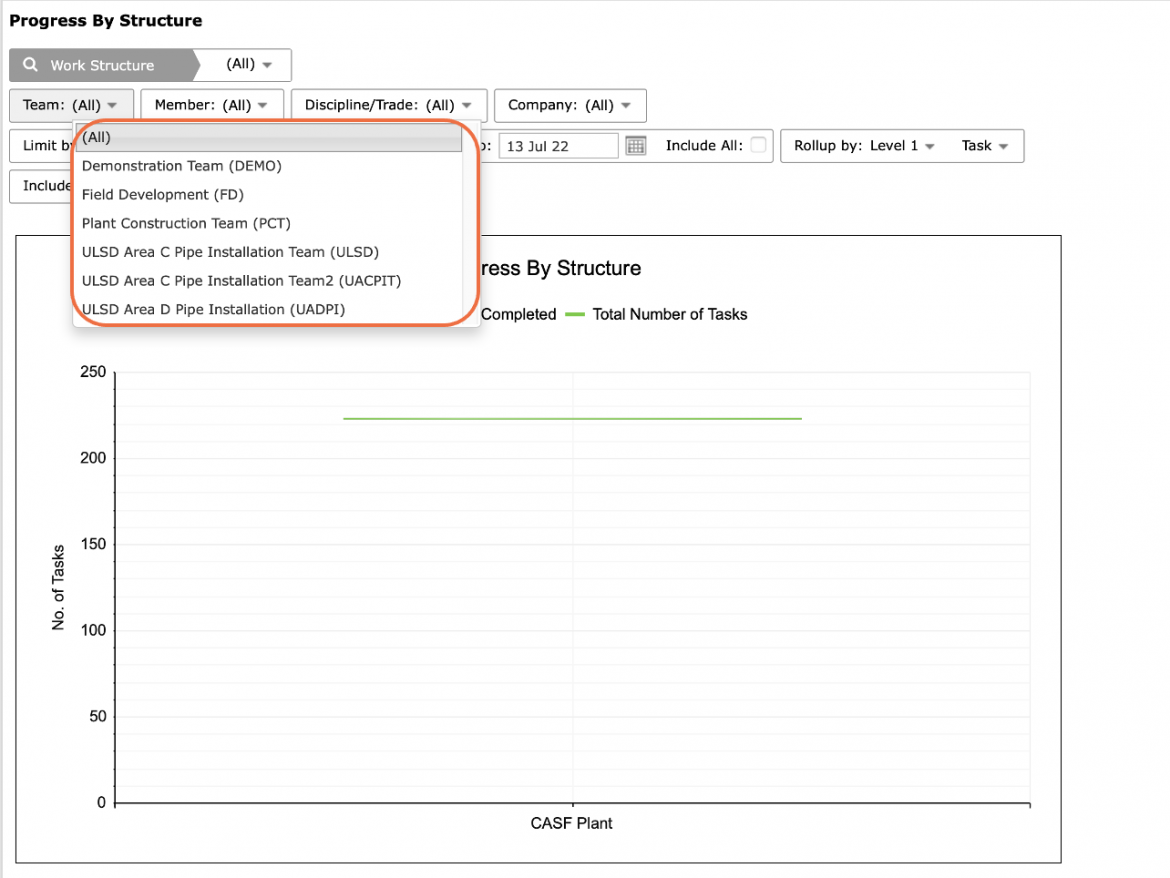
- To view the Progress by Work Structure report for another team, select the desired team under the Team drop-down.
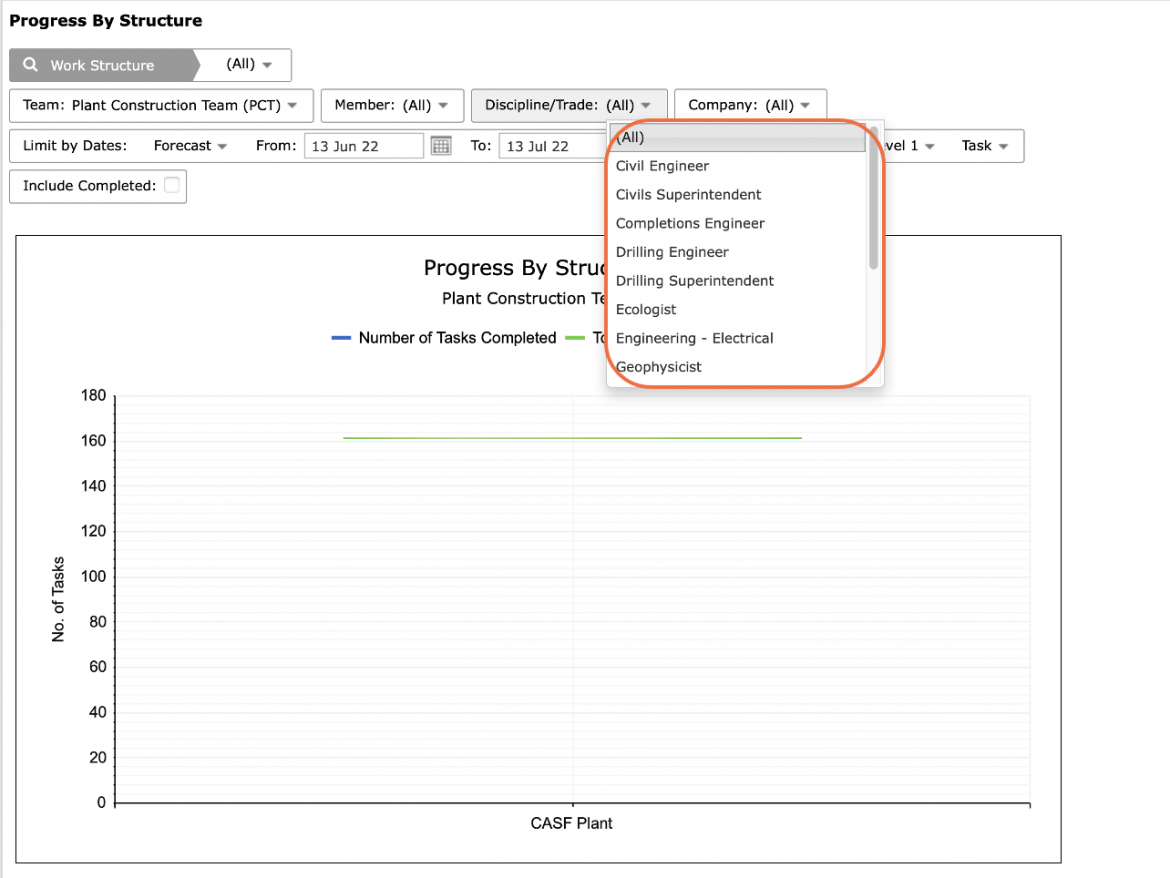
- Select Work Structure, Member, Discipline / Trade, and any other attributes, in addition to date range, to filter for the desired data.
- To print the Progress by Work Structure report, options may differ based on your browser. For instance, if you are using Internet Explorer, right-click in the white space outside of the Progress by Work Structure report and select Print from the menu or simultaneously press the Ctrl and P keys on your keyboard.
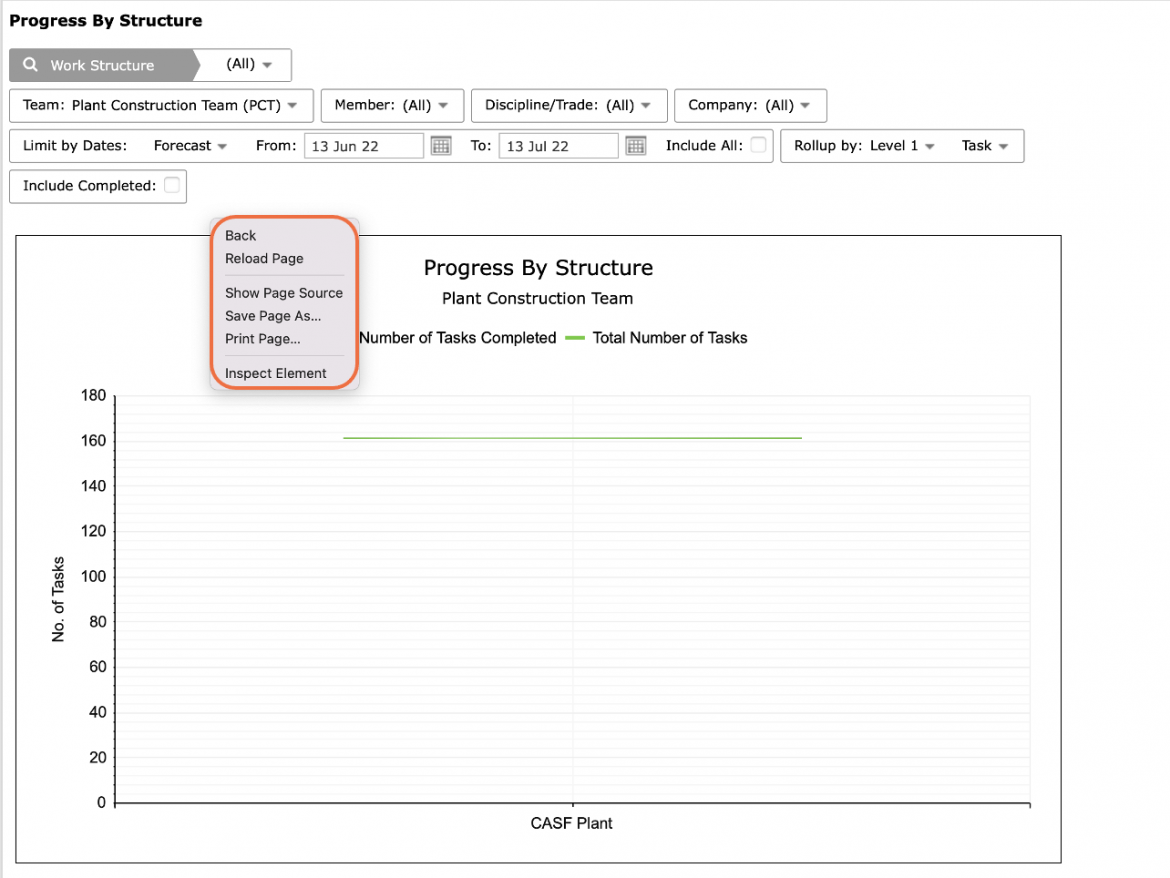
- The Print Dialogue box opens.
- Using the Print Dialogue box, change any desired print settings. Once all relevant printing settings have been modified, click the Print button.
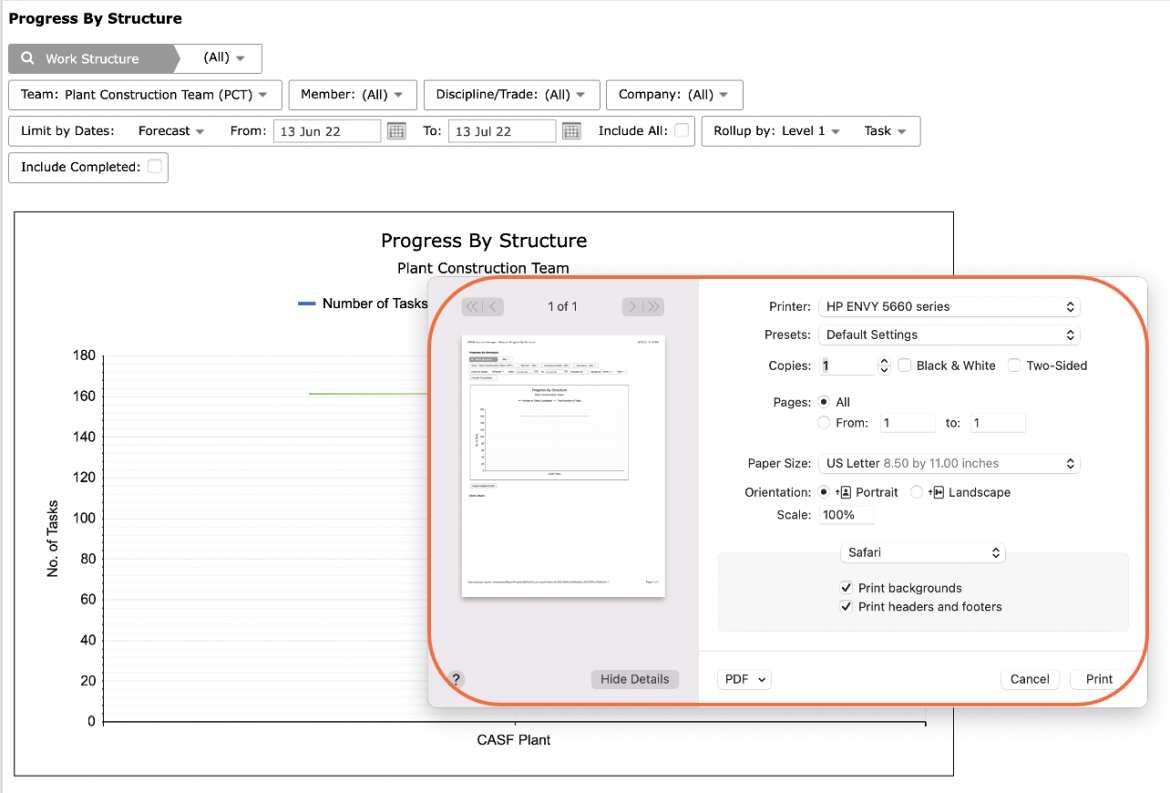
Note: Before printing, it is recommended you confirm the fit to the desired paper size.