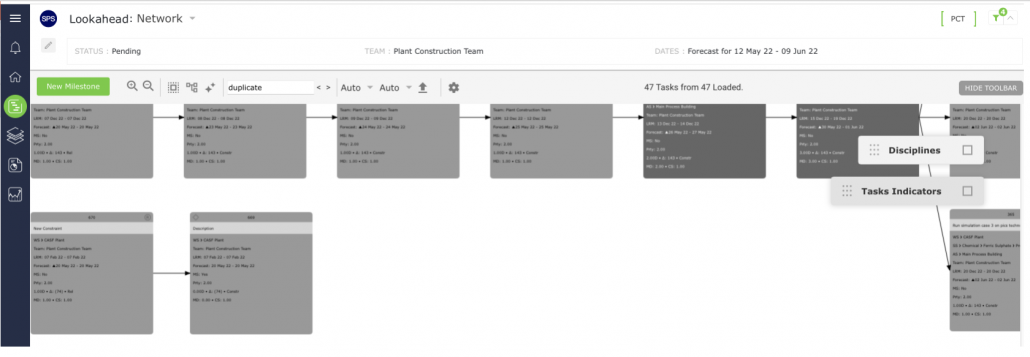
To delete a Milestone / Task in the Network Manager view complete the steps below:
- Open the Network Manager view as shown in Steps 1 – 4 of Insert Milestone / Task.
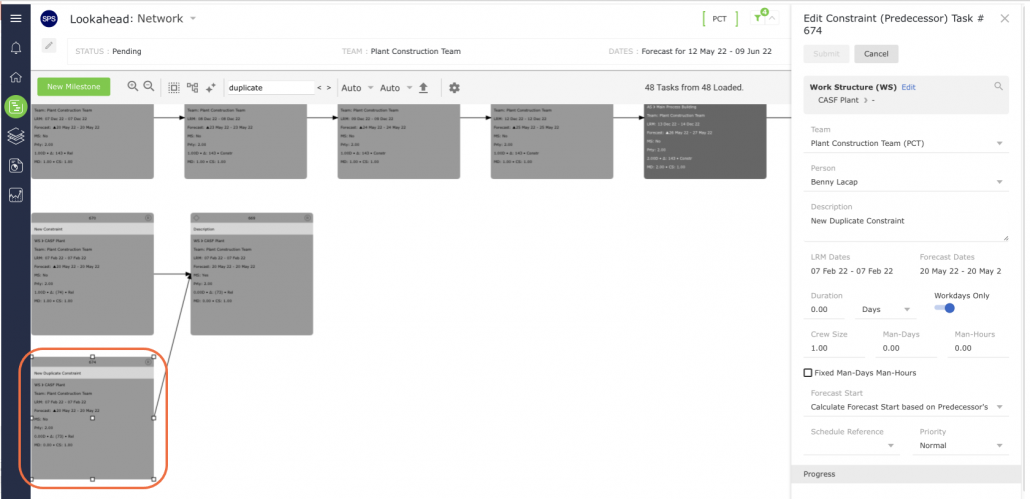
- Select the Milestone / Task you want to delete by clicking once on its shape. Once selected, the object controls will appear around the shape.
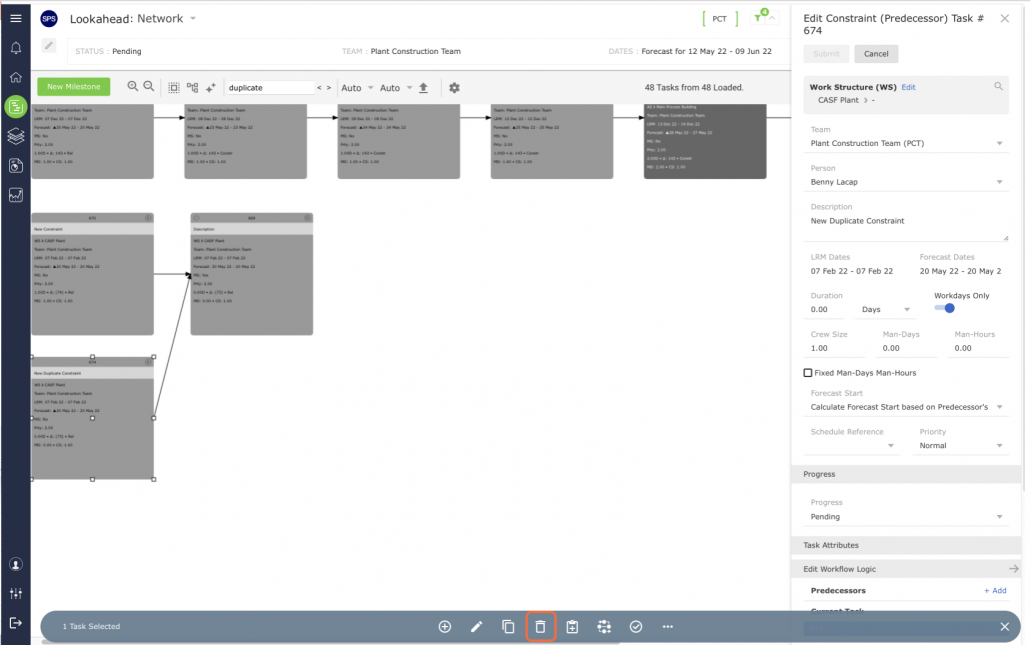
- Click the Delete control and the task will be removed.
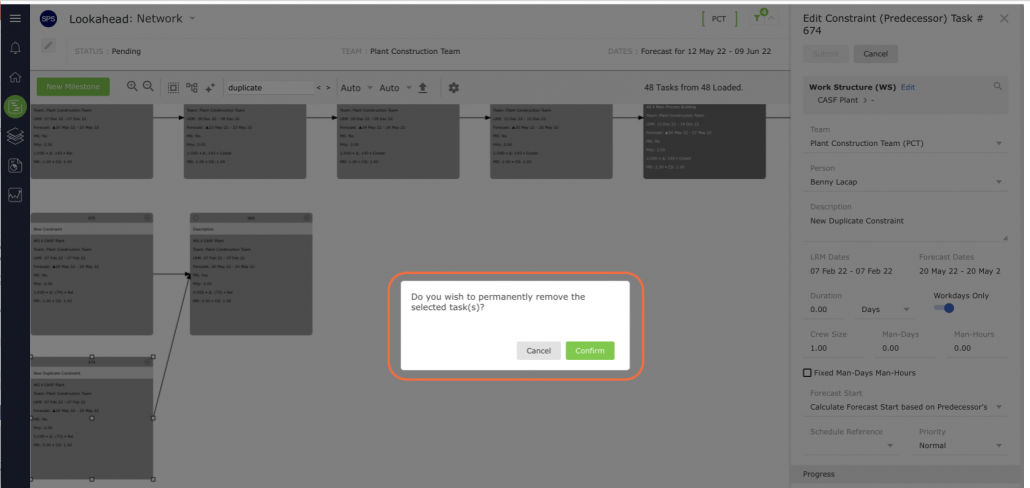
- A confirmation pop-up will appear. Select Confirm to remove the task or select Cancel to keep the selected task.