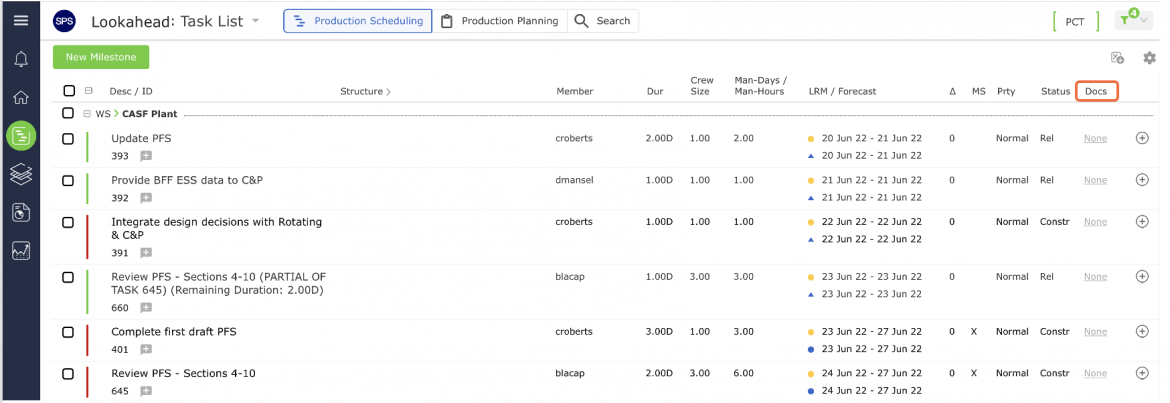
The Docs column indicates whether or not a task has a supporting file or URL attached in: the Lookahead views of Production Scheduling and Production Planning.
Each task will have one of the following values in the Docs column:
| Value | Definition |
|---|---|
| None | No files or URLs are attached to either the task itself or to Work Structure or Material Order to which the task belongs |
| Task | One or more supporting files and / or URLs are attached to the task, but not to other tasks which share the same Work Structure |
| WS | One or more files and / or URLs are attached to the Work Structure to which the selected task belongs |
| Task / WS | One or more files and / or URLs are attached to both the task itself and the task’s Work Structure |
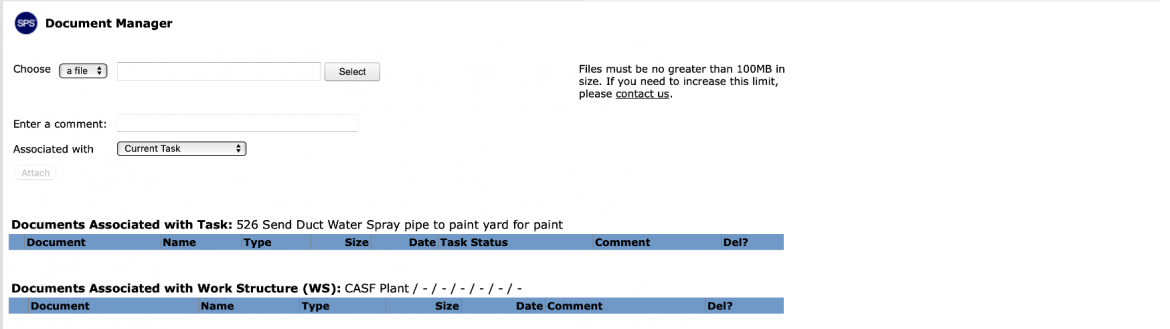
To view the supporting files or URL’s for any Milestone / Task from the Document Manager window, use one of the following methods.
- Click the link in the Docs column in any one of the view options: Lookahead: Production Planning or Production Scheduling view.
- Once selected the Document Manager will open.