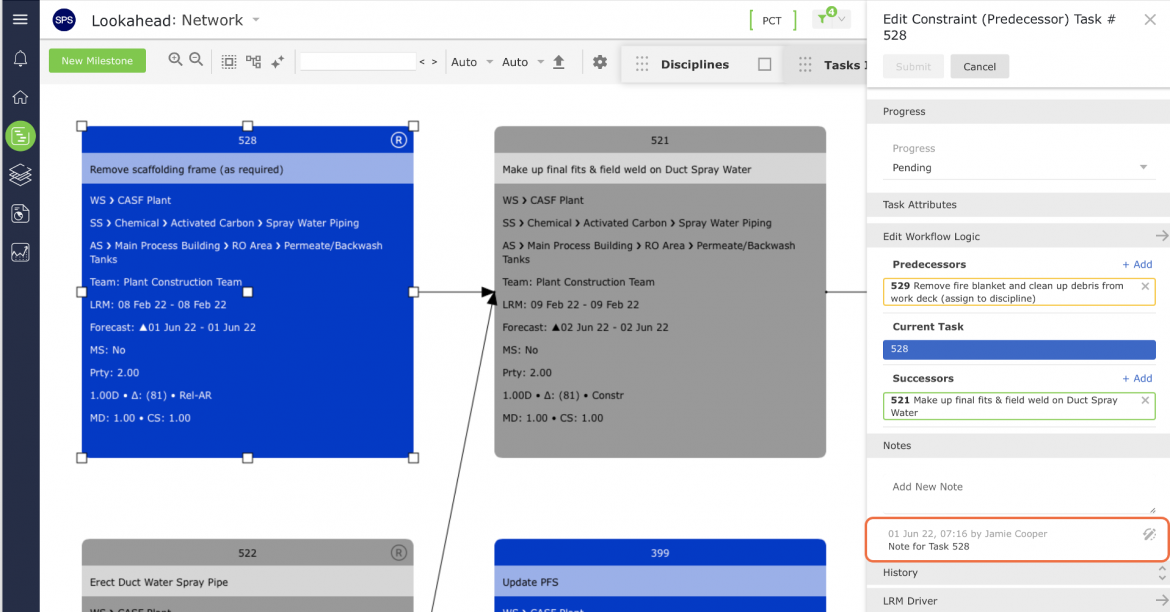
Notes are a type of supporting information, in addition to files and URLs, and contain information relating to a task or work stream. Examples of Notes may include findings from a constraint task, contact information for the individual owning the task or completing the work, driving or special location instructions, safety information, etc. Using the Notes function, distributed users across the project can easily share relevant information by inserting notes to a task or work stream in SPS|PM.
To view add / edit / delete Notes for any Milestone / Task from the Notes Manager window, use one of the following methods.
Method 1: View Menu, Integrated Menu, Gantt Charter
- To add / edit / delete Notes for a Milestone / Task in the Network Manager, click the Task Details For information on how to open the Notes Manager window follow the steps in View Notes Method 1: Task View.
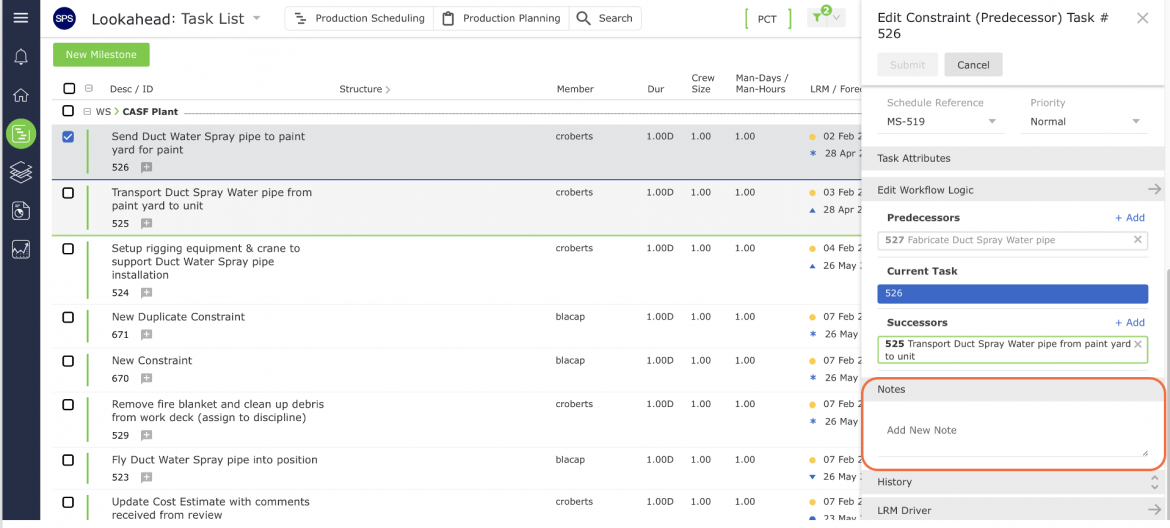
- Enter the Note information and click the icon on the right of the note box to save. Click the edit icon or delete icon to remove the note. All deleted notes can be viewed by selecting the history icon as shown below.
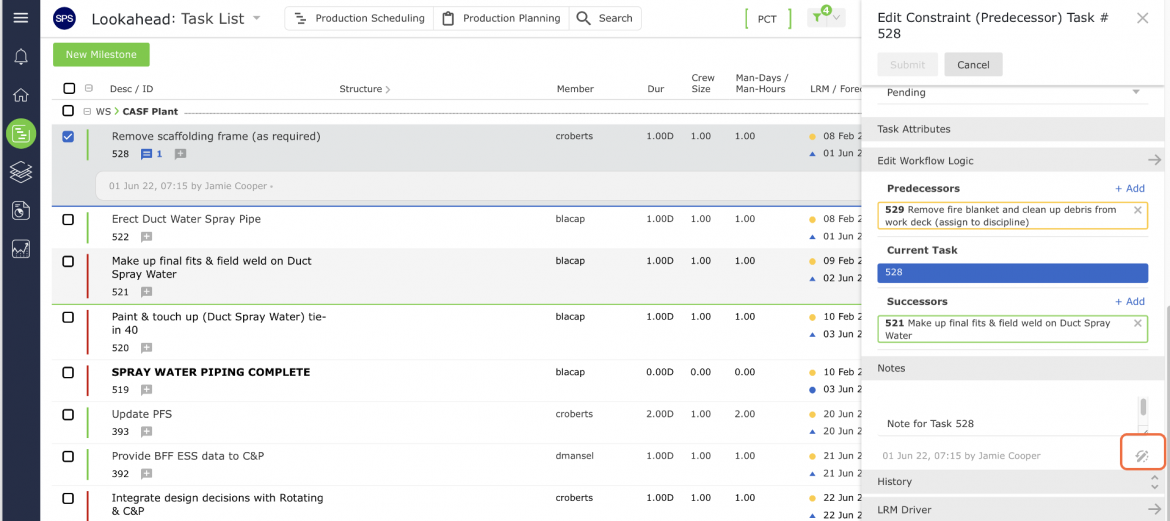
Method 2: Network Manager
- To add / edit / delete Notes for a Milestone / Task in the Network Manager, click the Task Details. For information on how to open the Notes Manager window follow the steps in View Notes Method 5: Network Manager.
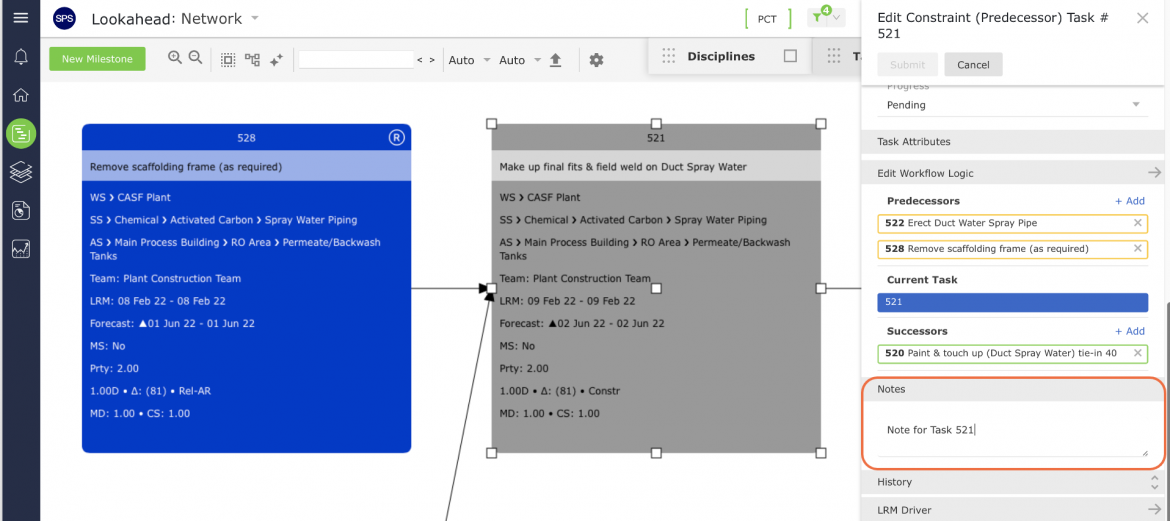
To edit an existing Note, click the Edit icon, revise the Note and then click the Enter / Return key on your keyboard to save the new Note. All deleted notes can be viewed by selecting the history icon as shown below.