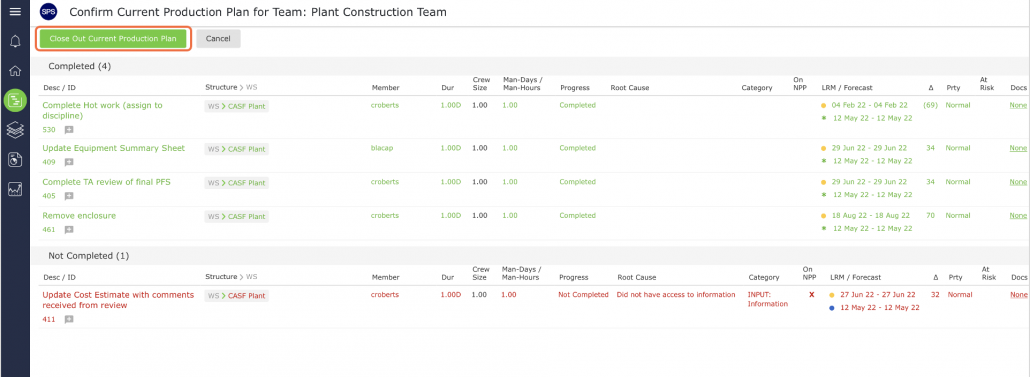
Since the Production Planning process uses Production Plans as the means for control, each Production Plan must be committed, updated, and then closed out. Closing out a Production Plan means the end of a Planning Horizon and it is represented by the completion of the update process. When the status of all tasks has been recorded, a Production Plan is then closed out.
Note: Only users with Team-level Access may close out a Production Plan.
To close out the Current Production Plan, complete the steps below:
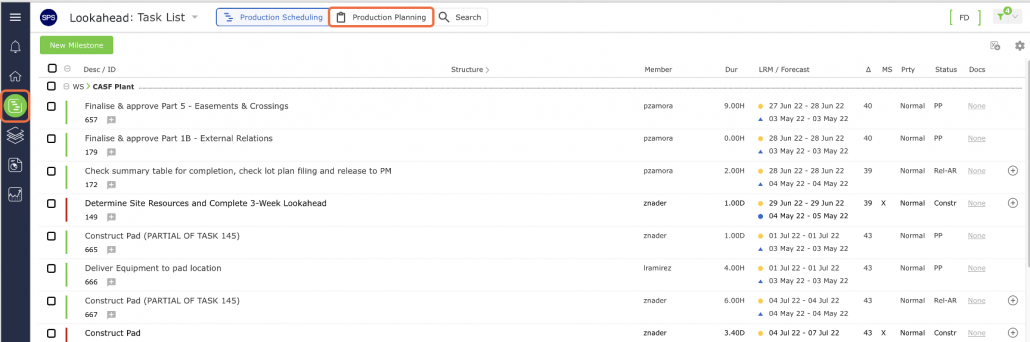
- From the Main Navigation Bar select Lookahead, then select the Production Planning mode.
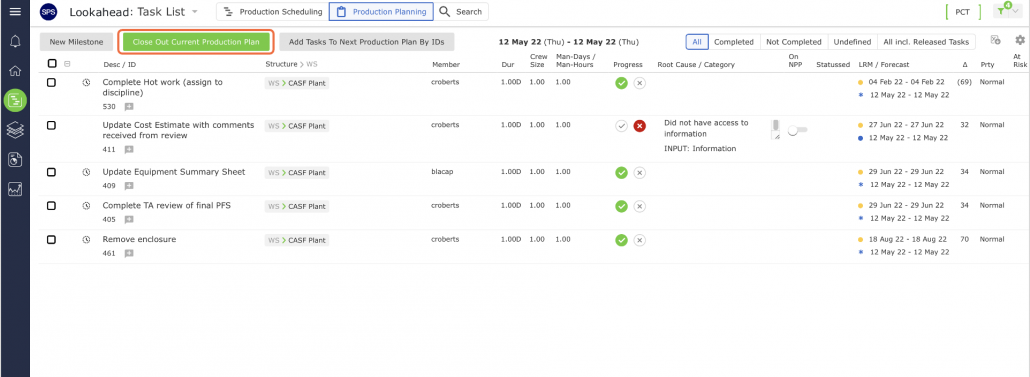
- In the Production Planning view, click the Close Out Current Production Plan button.
- In the Confirm Current Production Plan for the Team view, verify the status of all tasks and if correct, click Close Out Current Production Plan (final) to perform the final close out. If there is an inaccurate status, click the Cancel button to revise.