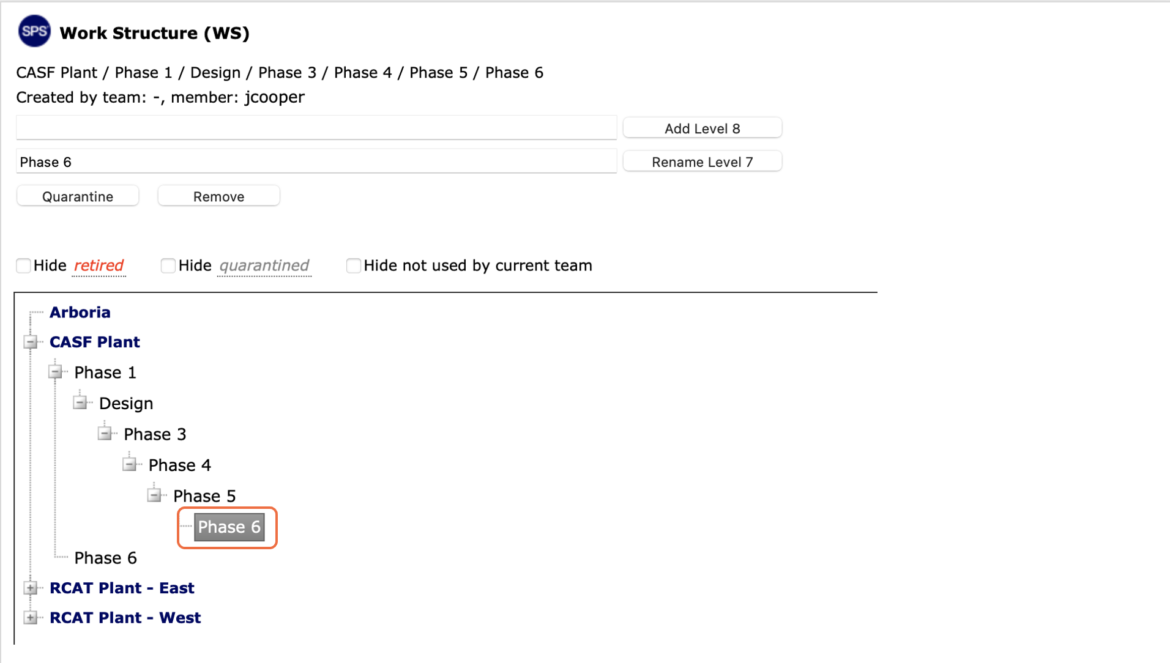
As project complexity is exposed and with the constant evolution of work, Work Structure in SPS|PM must also evolve, resulting in the need to delete legacy Work Structure.
SPS|PM provides the ability to reflect this evolution through the Remove Work Structure functionality.
To remove Work Structure in SPS|PM, complete the steps below:
- From the Main Navigation Bar select Tools, then select Work Structure (WS).
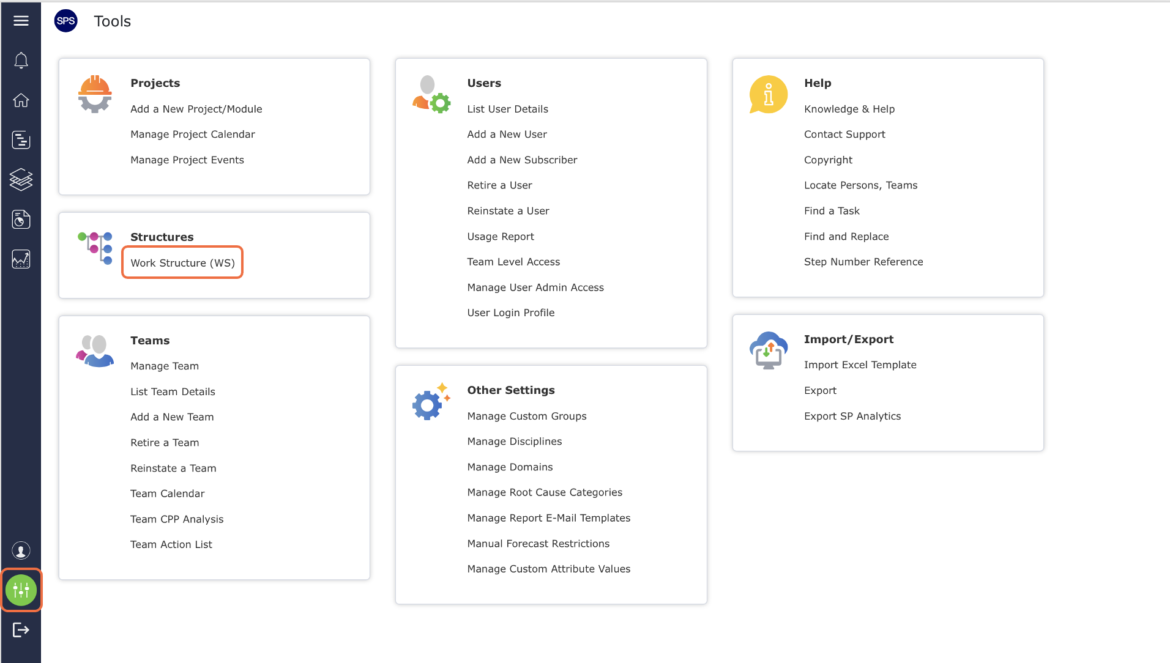
- The Work Structure (WS) window opens and displays all existing Work Structure.
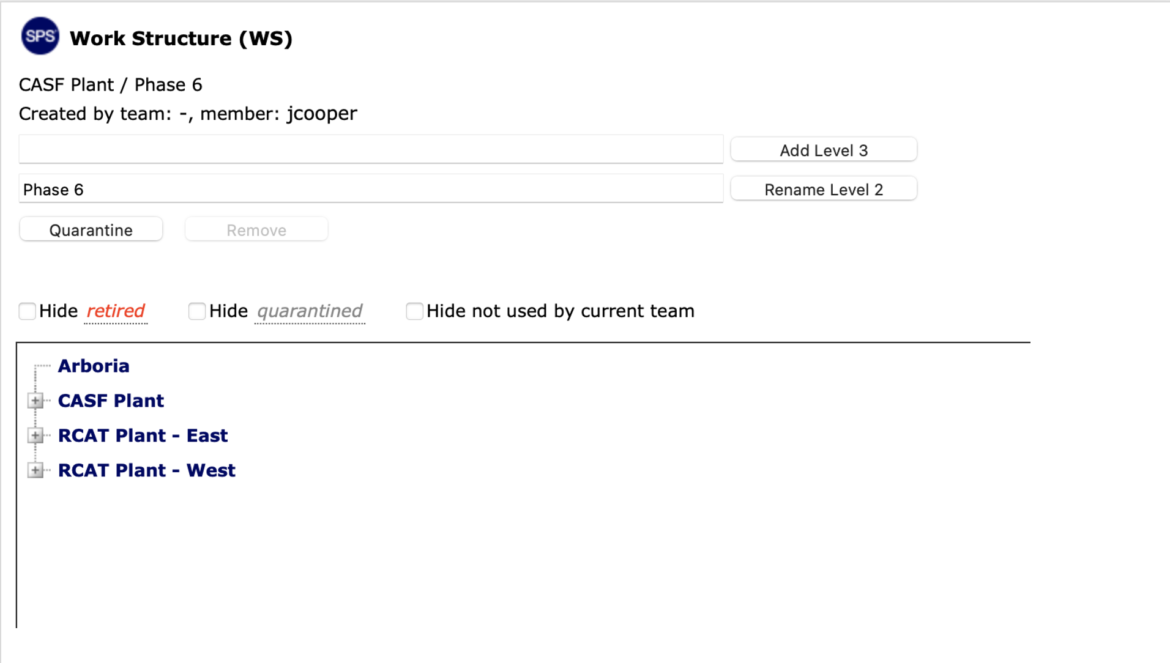
- Locate the Work Structure to be removed by clicking the Expand (+) button and Collapse (-) button next to the desired Level to view / hide Levels.
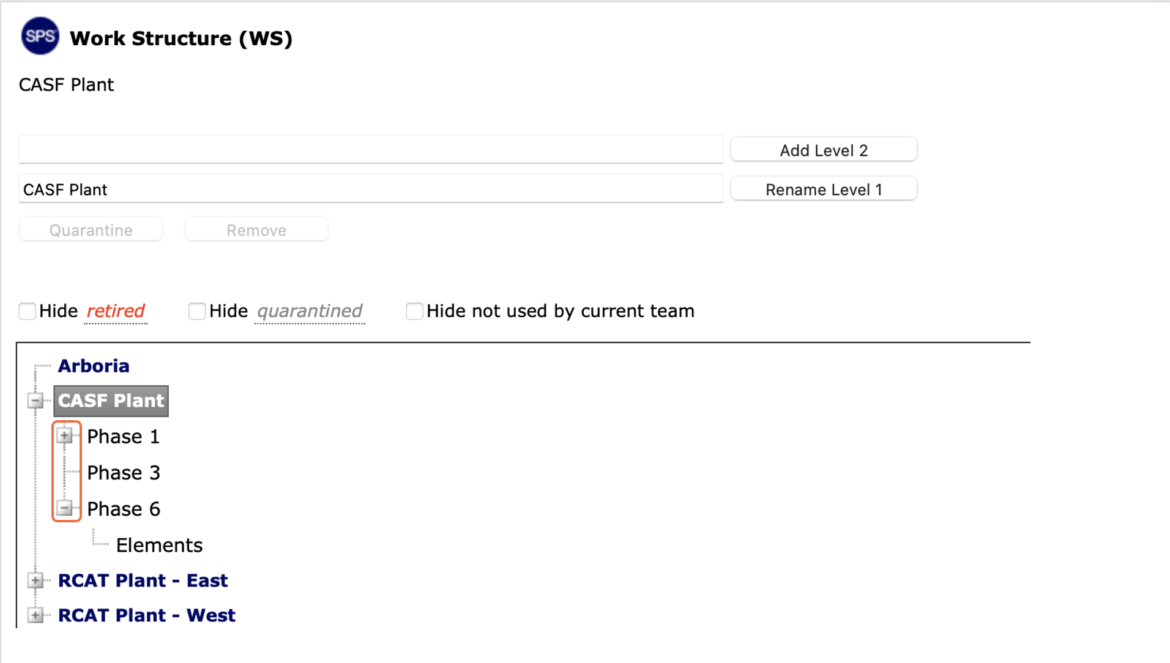
- Select the desired Work Structure to be removed, by clicking once on the Work Structure. Once selected, the Work Structure will display a reverse gray background and the Work Structure displays in the Rename Level X field.
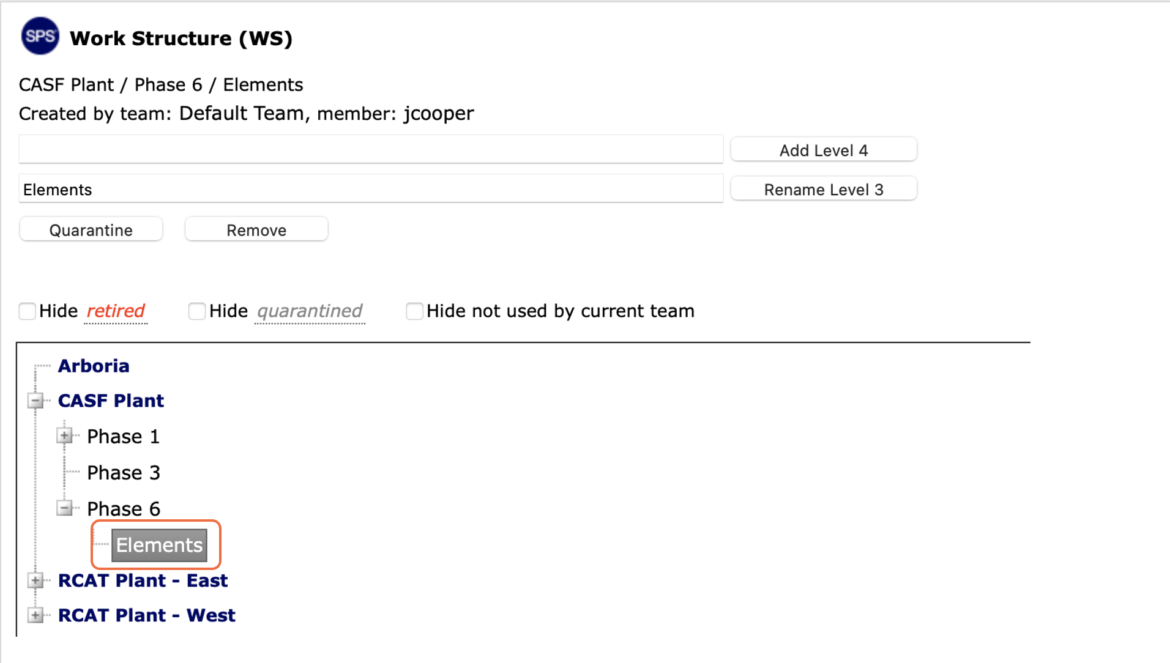
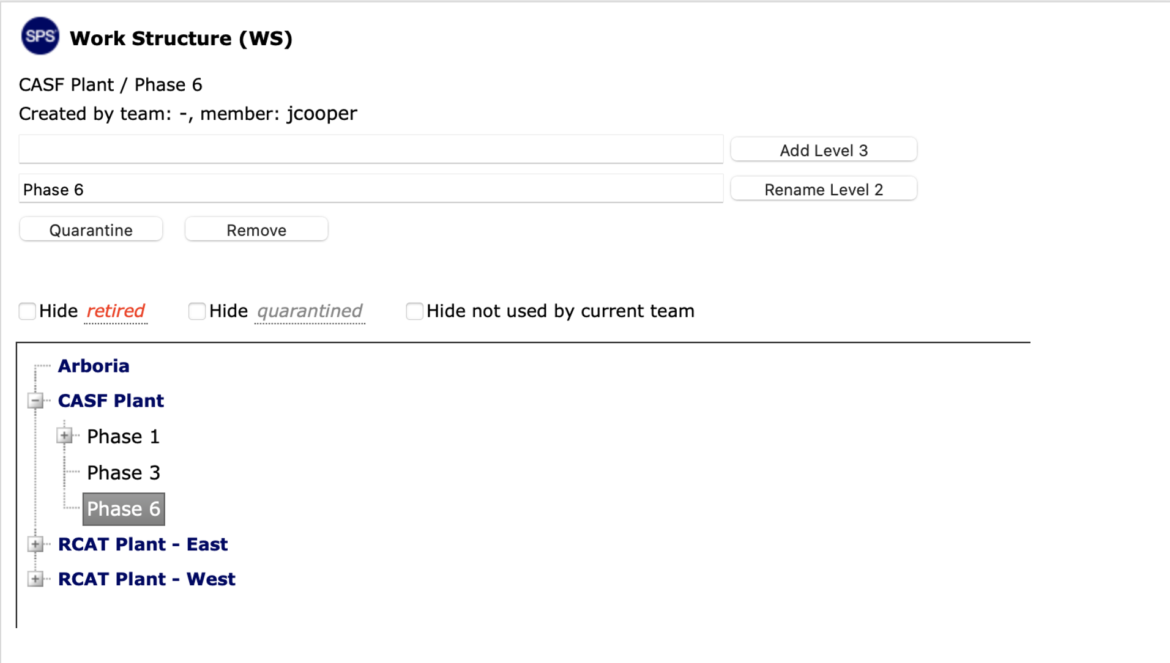
- Click the Remove button and the Work Structure window refreshes to display the revised Work Structure, with the next closest Work Structure (to the deleted Work Structure) selected as shown in the image below.
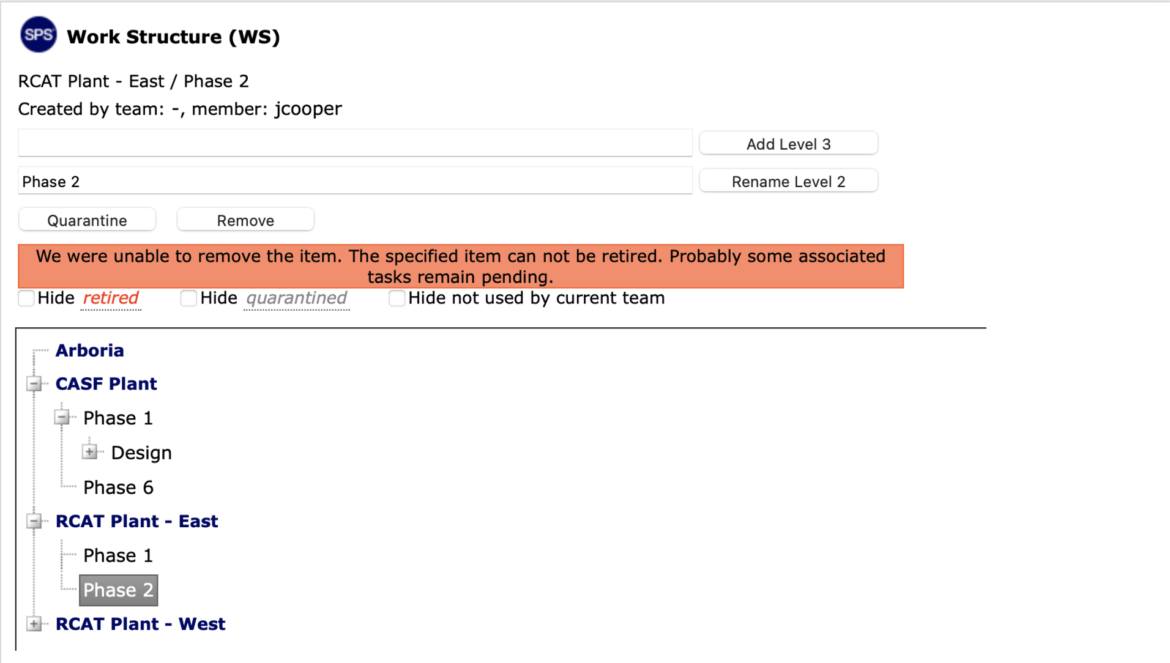
Note: A Work Structure can only be deleted if there is no data associated with that Work Structure in the Lookahead.
- If the Work Structure is associated with existing data in the Lookahead, an error will display when you click the Remove button as shown in the image below.
- To remove a Work Structure that has sub-Levels, all existing sub-Levels must first be removed by selecting the lowest Level, and removing that Level as described above. You must then remove the next Levels in ascending order.