Understanding labor capacity requirements (knowledge or craft) for upcoming work and determining if the available labor capacity is effectively used during each Planning Horizon e.g., day or week, is critical to ensure that work flows as planned.
The Manage Team Settings function provides the ability to enable / disable allocation of labor capacity to any task. This function, combined with specific Reports, Decision-Support Mechanisms, and Analytics, enables teams to determine if they are effectively utilizing available labor capacity and also forecast the need for labor capacity requirements.
To manage team settings in SPS|PM, complete the steps below:
- From the Main Navigation Bar select Tools, then select List Team Settings.
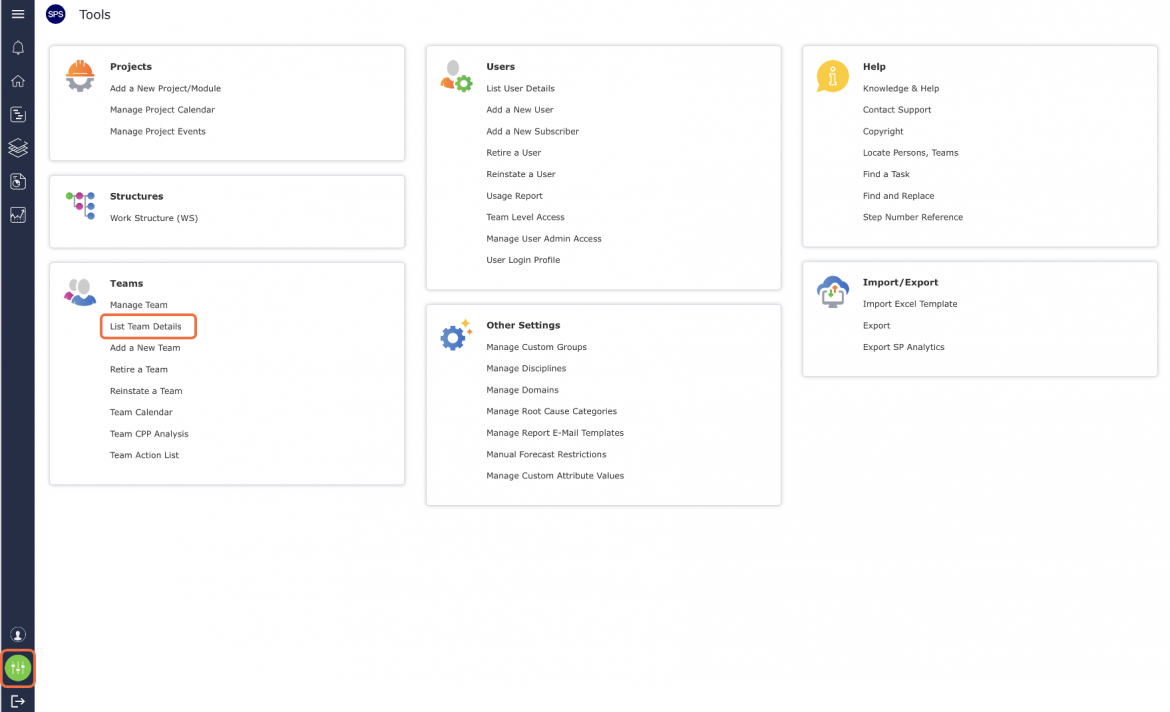
- The Manage Team Settings window opens and lists all teams that you have administrator access to and their corresponding allocation of capacity settings for Man-Days / Man-Hours and Crew Size.

Check / uncheck the desired settings for each team and then click the Save Settings button.
Note: The use of Crew Size in SPS|PM requires that Man-Days / Man-Hours be enabled.
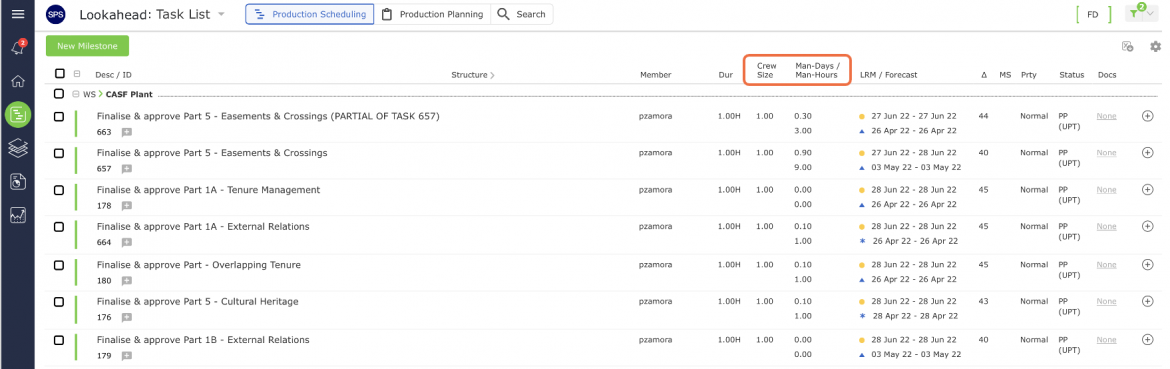
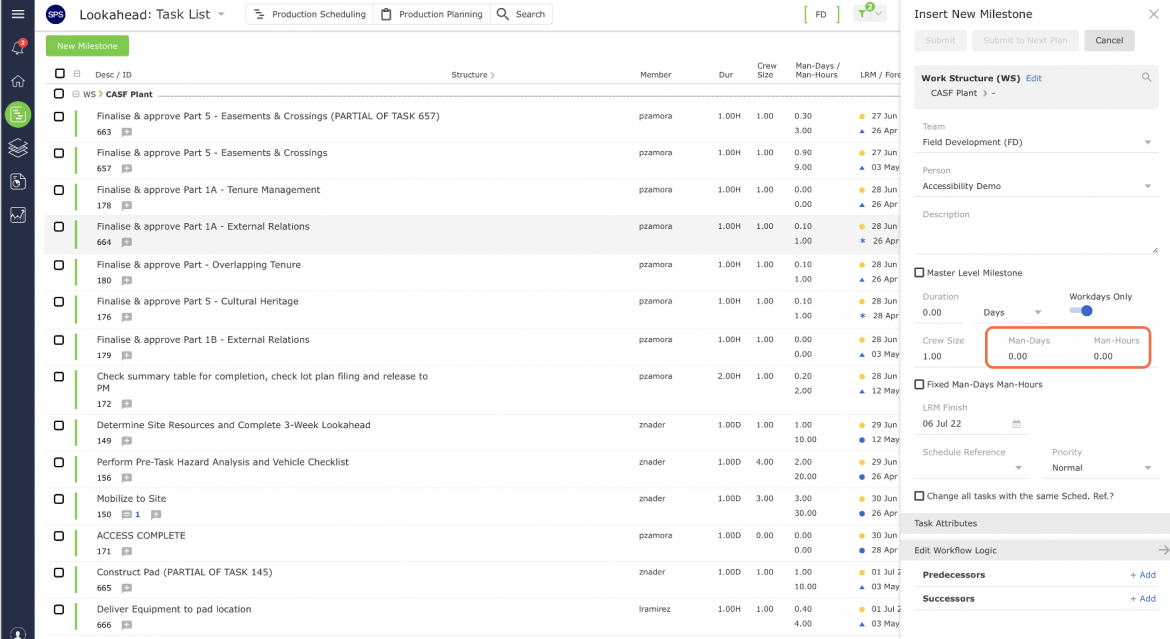
- When Man-Days / Man-Hours and Crew Size are enabled, you will see them in SPS|PM including Create Next Production Plan and when creating a new Milestone / Task.