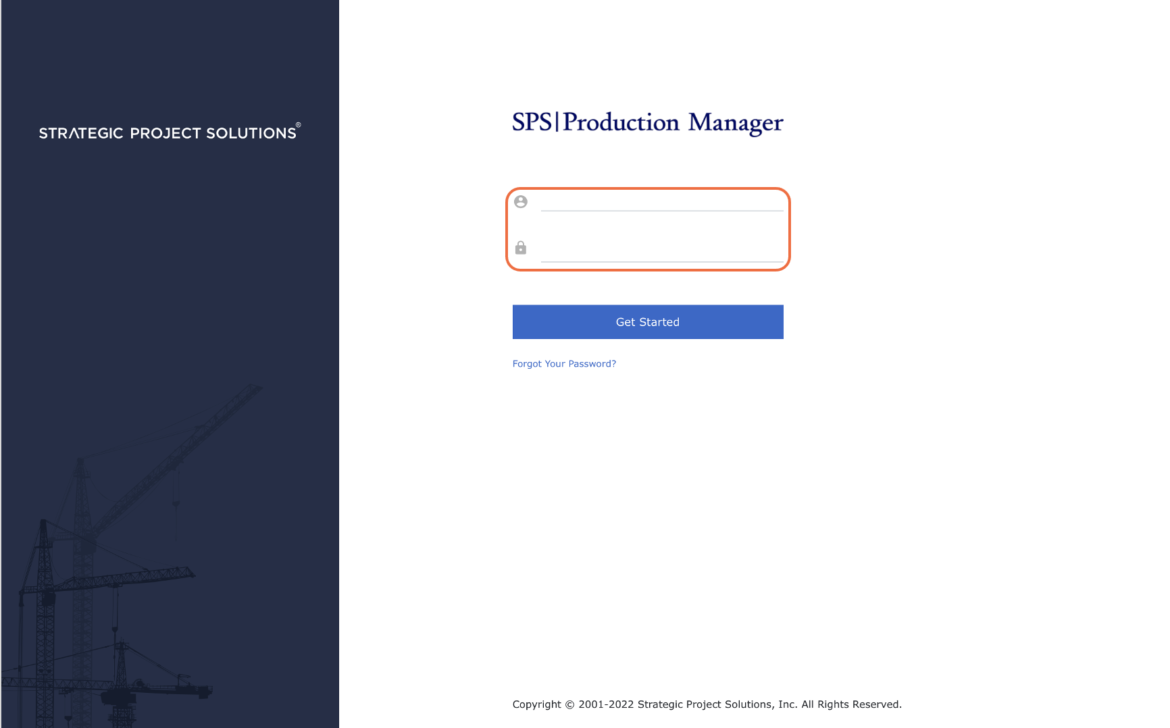
To improve SPS|PM security or when your password has been compromised, SPS|PM enables you to request your password be changed.
To change your password complete the steps below:
- From the Main Navigation Bar select Profile.

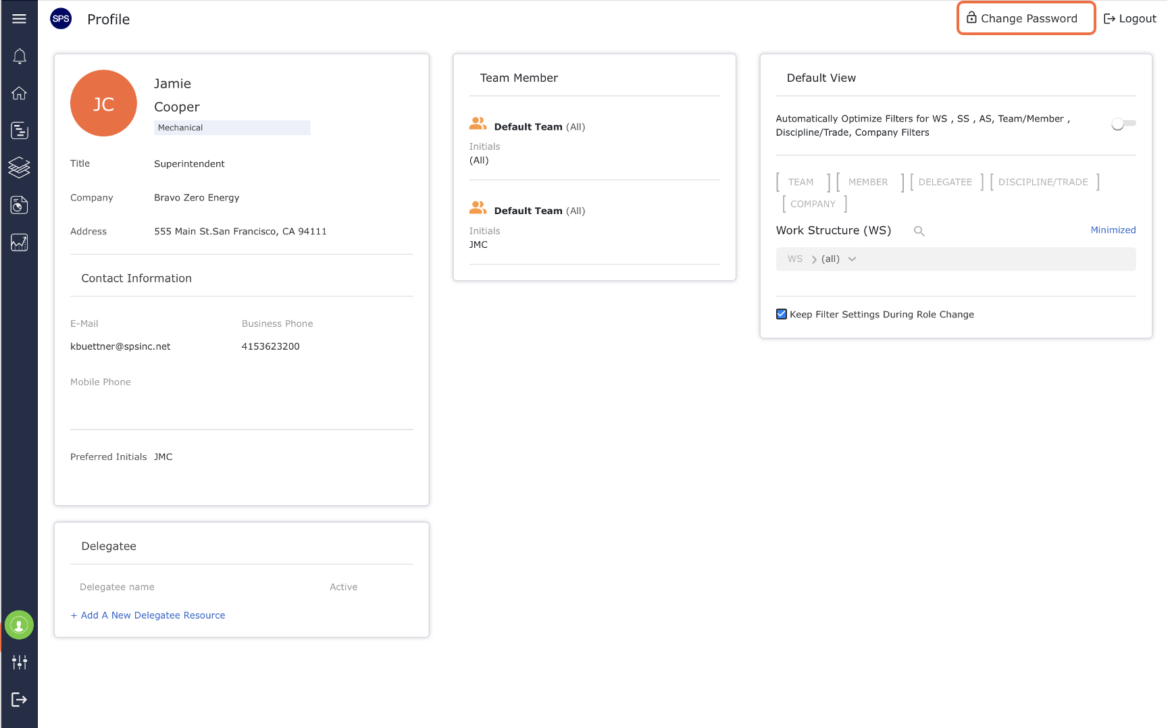
- In the Profile window, select Change Password.
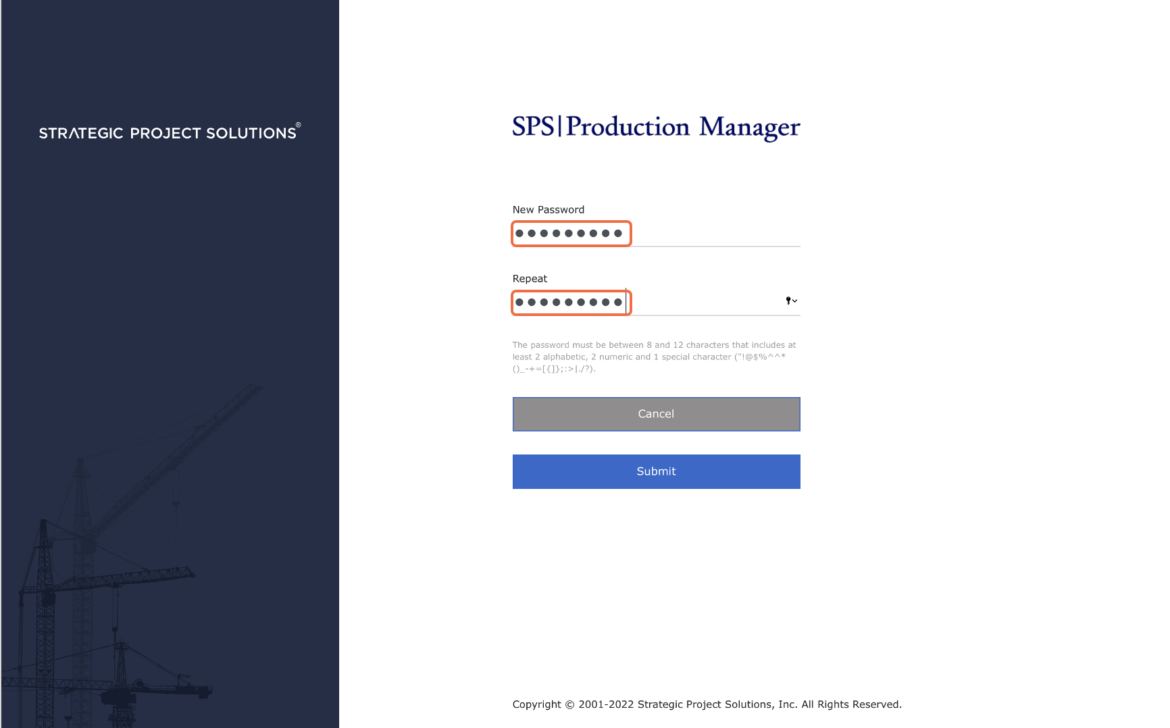
- In the Change Password window, enter a new password twice to verify its correctness and click the Submit button.
Note: The password must meet the criteria requirements, displayed in red font, to provide security of adequate strength.
- After submitting the new password, you will be immediately redirected to the SPS|PM Login page where you must log in using the new password.