A constraint task can only be deleted from the Gantt Charter view by the person who created the task, by a team member with Team-Level Access, or by a System Administrator with level 5 access.
To delete a Milestone or constraint task from the Gantt Charter view complete the steps below:
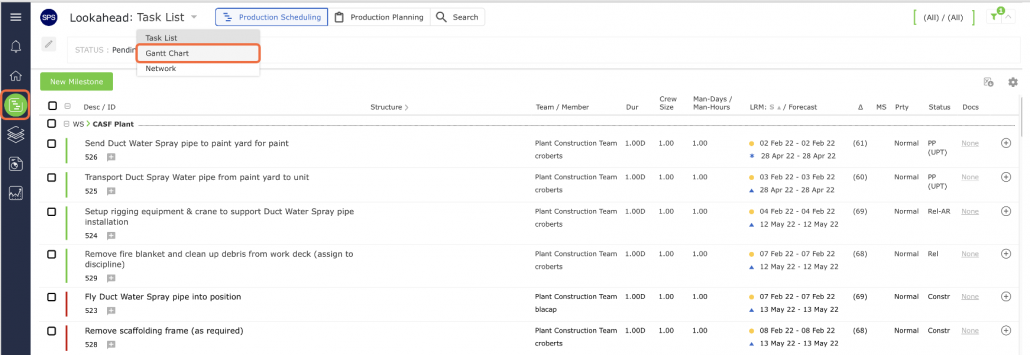
- From the Main Navigation Bar select Lookahead, then select Gantt Chart.
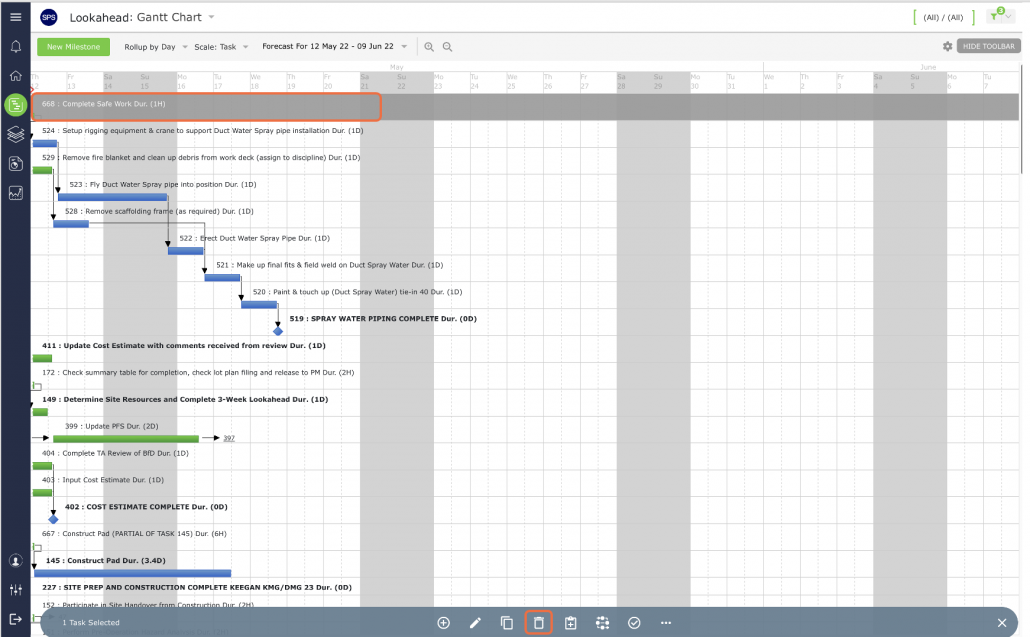
- Select the task you wish to delete and then select the Delete icon on the bottom toolbar.
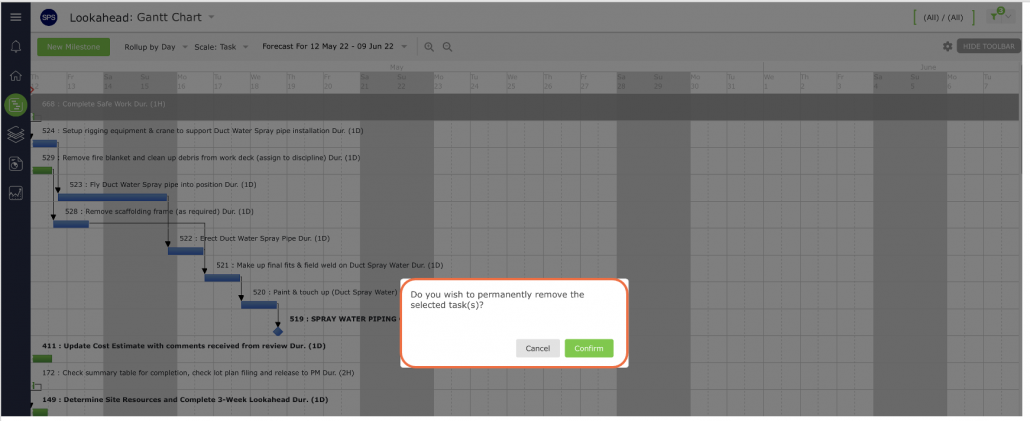
In the confirmation pop-up, click the OK button if you want to proceed with removing the Milestone / Task. If you do not want to proceed, click the Cancel button.