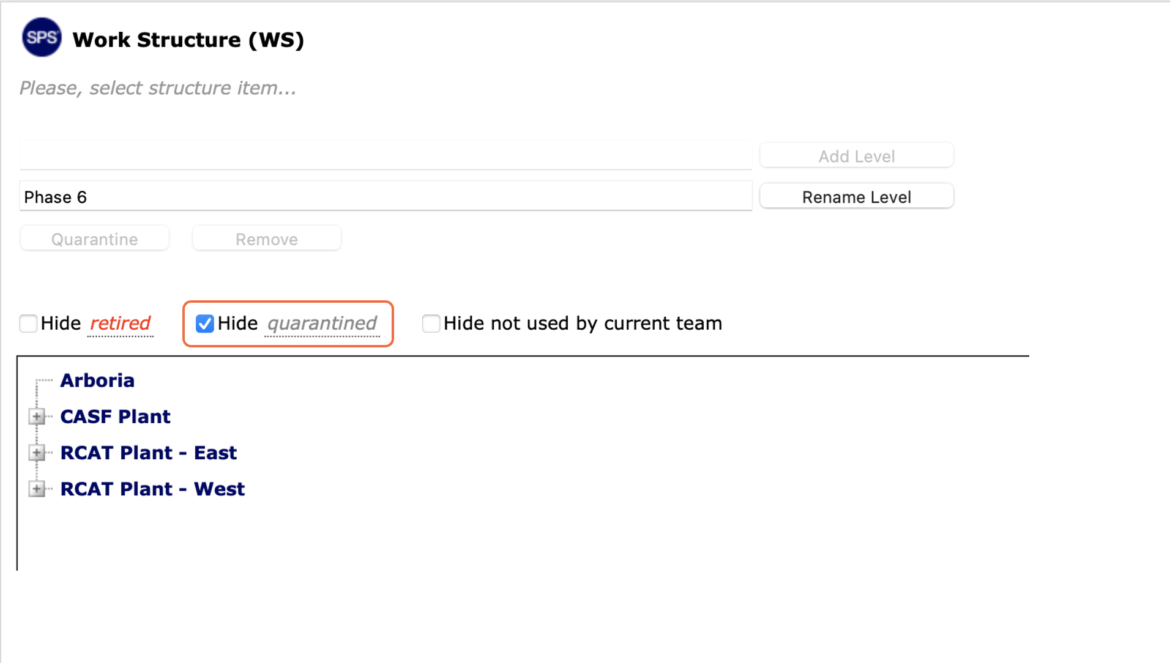
Optimizing the Work Structure window to display only currently active Work Structures can be beneficial to project teams, especially when there are many Work Structures in a quarantined, retired or unused state.
SPS|PM provides the ability to suppress selected workflows from view through the Hide Work Structure functionality.
To hide Work Structure in SPS|PM, complete the following steps.
- From the Main Navigation Bar select Tools, then select Work Structure (WS).
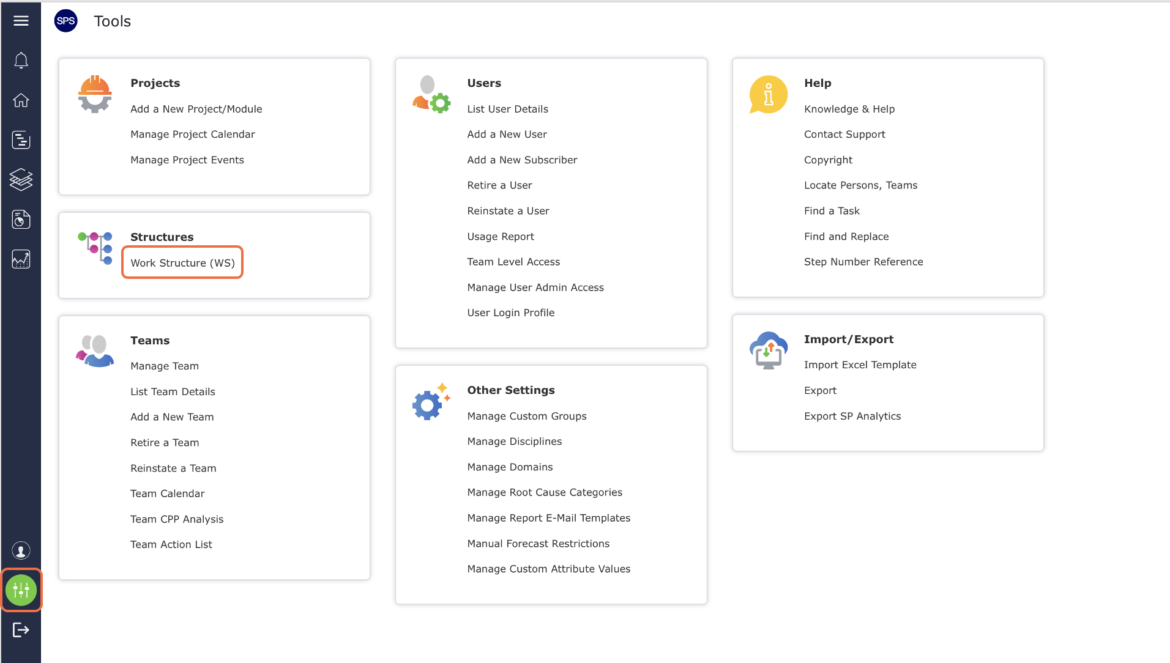
- The Work Structure (WS) window opens and displays all existing Work Structure.
To view more or less of the Work Structure, click the Expand (+) button and Collapse (-) button next to the desired Level to view / hide Levels.
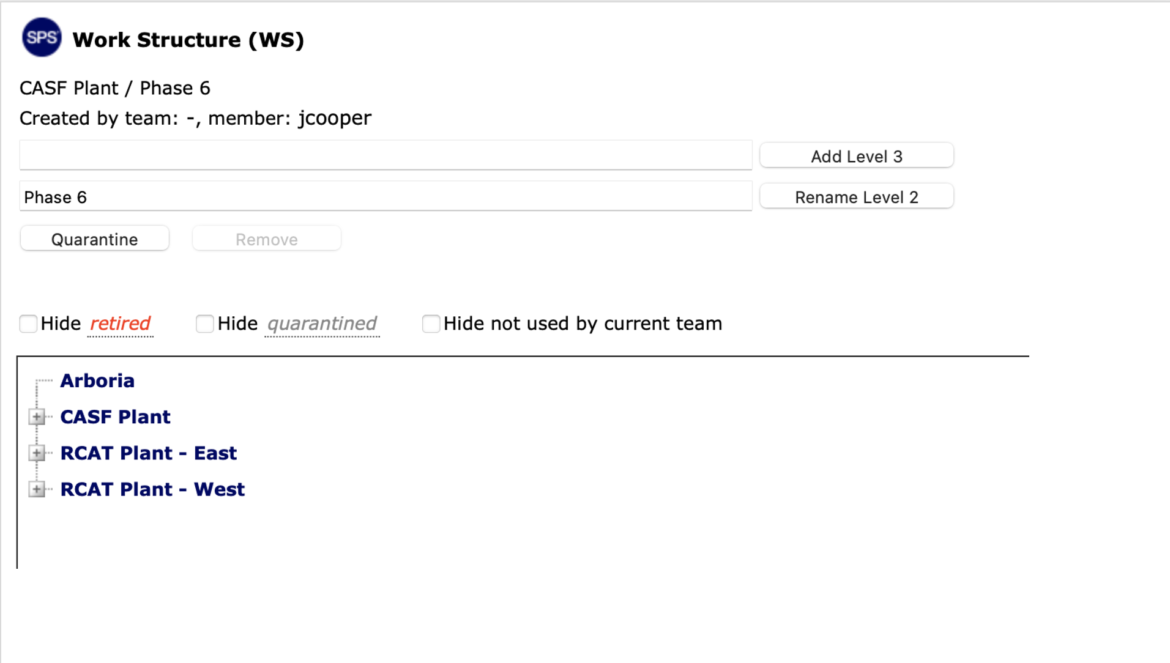
- Check the desired hide option: Hide retired, Hide quarantined or Hide, to apply to Work Structure not currently used by the teams.