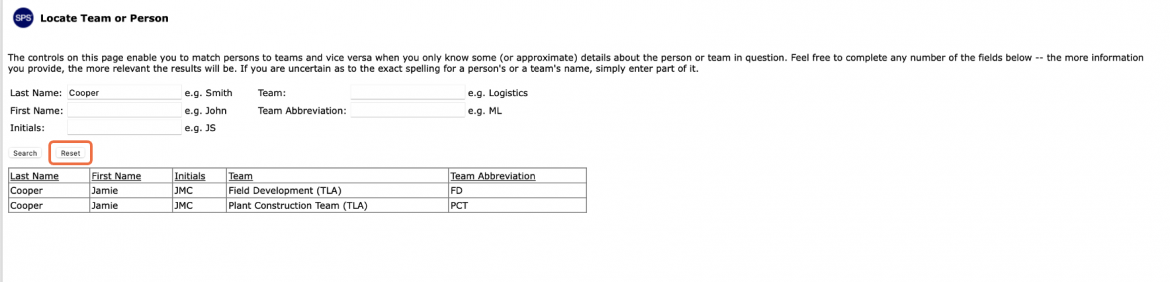
As the deployment and use of Project Production Control progress on a given project or enterprise, the number of teams and users also increases. Knowing the exact name of a user and the team(s) the person belongs to for the purpose of planning and controlling production may not be straightforward. To enable easy and rapid matching of users to teams and vice versa, SPS|PM provides the Locate Team or Person functionalities.
To locate a person or team, complete the steps below:
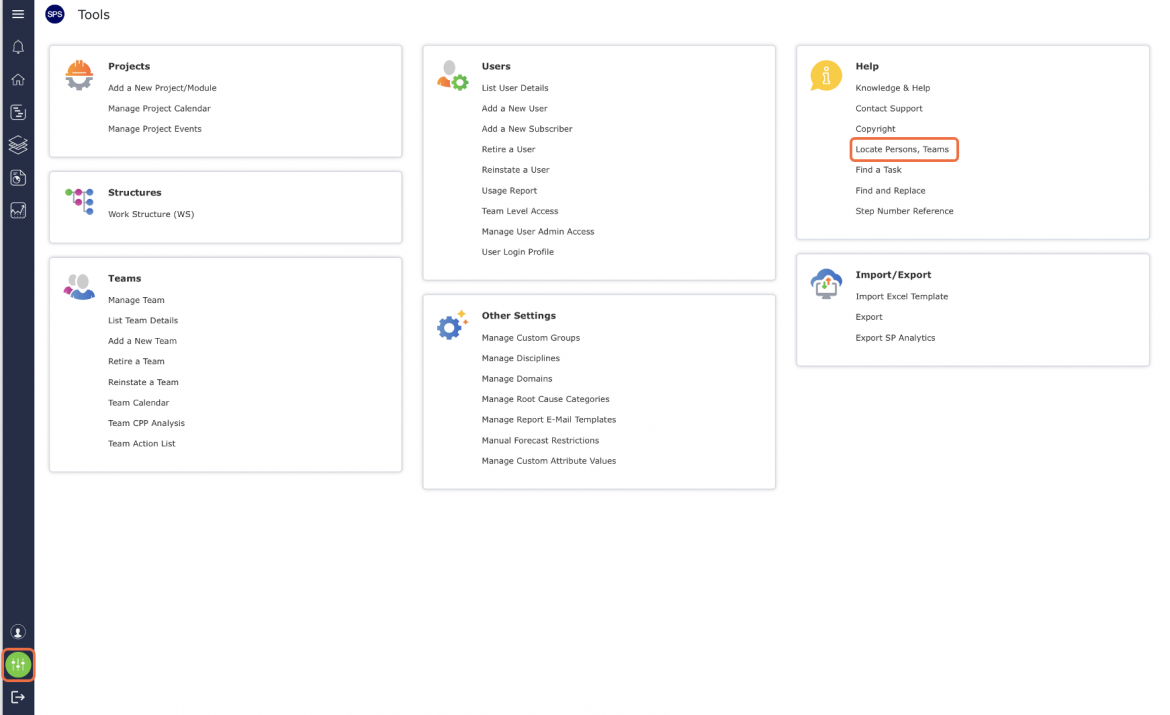
- From the Main Navigation Bar select Tools, then select Locatate Persons, Team.
- The Locate Team or Person view opens as shown in the image below.
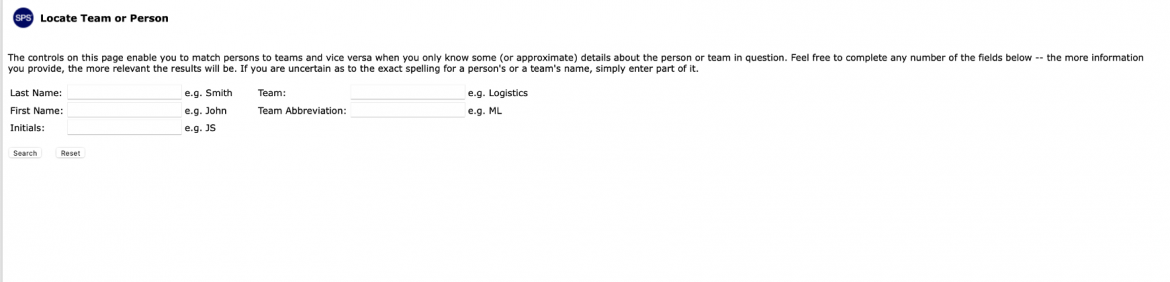
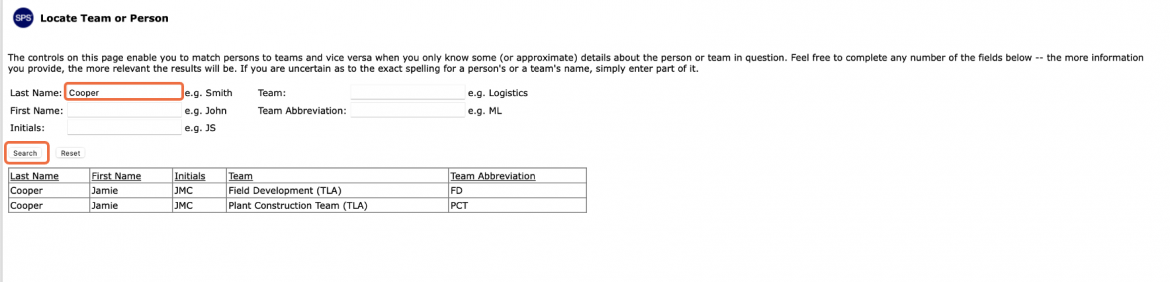
- To match users with teams or vice versa, enter full or approximate information for one or more of the following parameters: Last Name, First Name, Initials, Team (Name), and / or Team Abbreviation. During any search, the more information you provide, the more relevant the results will be. If you are uncertain as to the exact spelling of a person’s or team’s name, simply enter part of it.
- When finished entering the search criteria, click the Search button and the results will return in the data table.
- Click the Reset button to clear the search criteria. If you see results in the data table after clicking the Reset button, this is due to null values entered as part of the records of the associated search results.