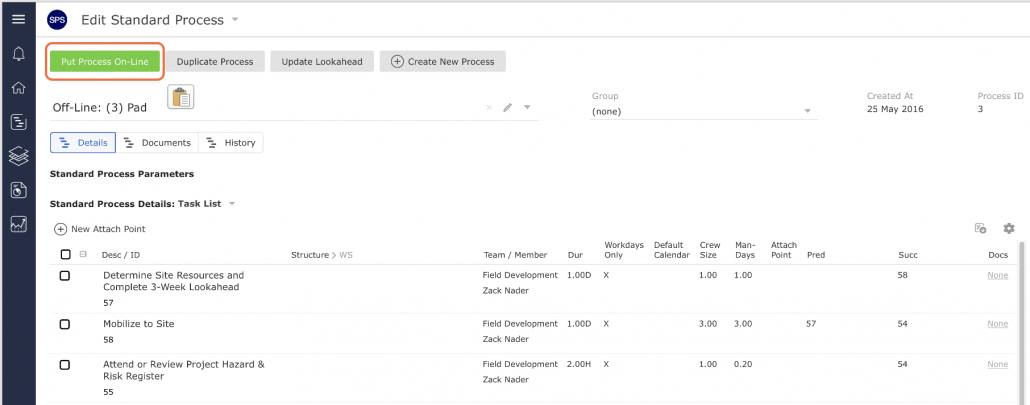
The state of a process impacts the actions that can be taken with it. In order to edit the process, it must be in an off-line state, and to insert a process into the Lookahead, the process must be in an on-line state.
To take a process off-line or put it on-line, complete the steps below:
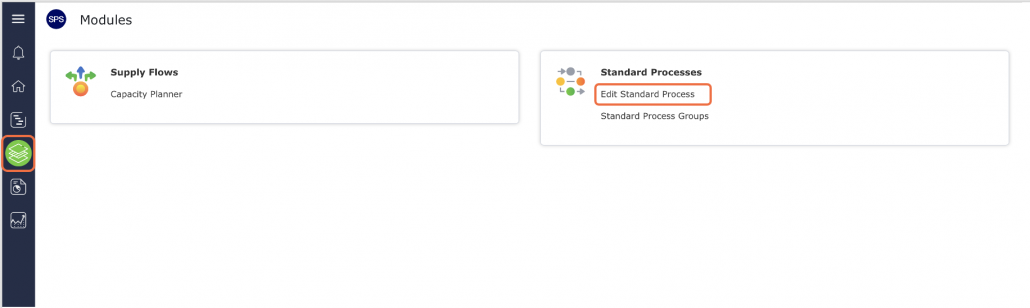
- From the Main Navigation Bar select Modules, then select Edit Standard Process.
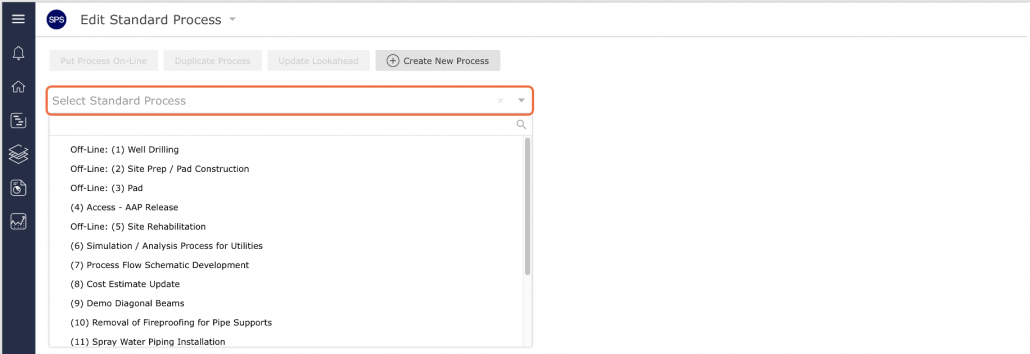
- In the Edit Standard Process view, locate the standard process you wish to place off-line or put on-line on from the Edit Existing Standard Process drop-down.
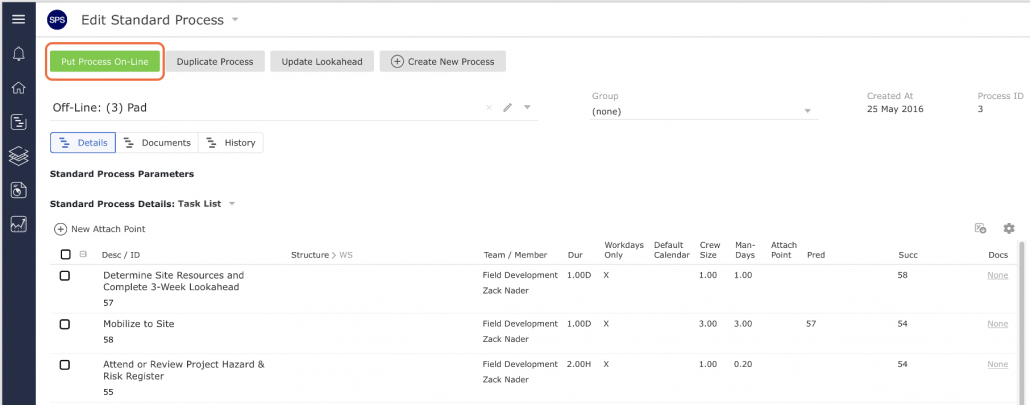
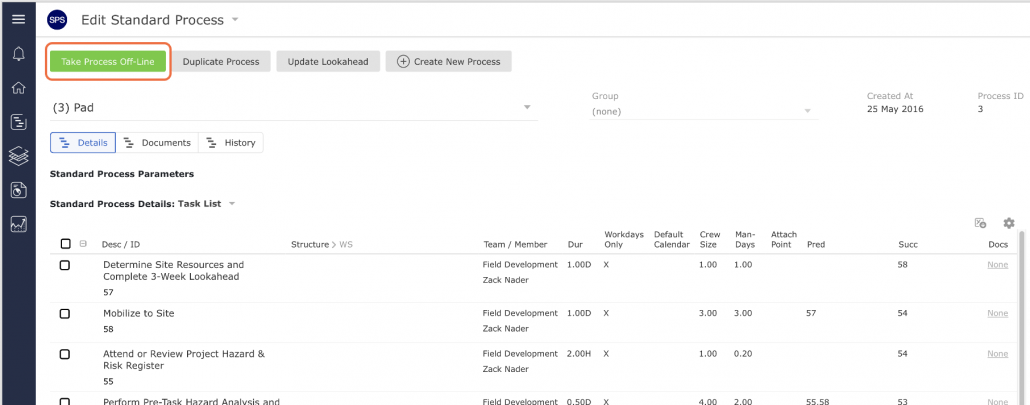
- The state (on-line or off-line) is found within the Selected Standard Process region as shown in the image below.
If a process is off-line, the status button will display Put Process On-Line. If a process is on-line, the status button will display Take Process Off-Line.
- To put a process that is on-line into an off-line state (and is then ready to be edited), click the Take Process Off-Line button.
- To put a process off-line that is in an on-line state (and is then ready to be inserted into the Lookahead), click the Put Process On-Line button.