
As work is structured for planning and execution, rapid access to reports that define a given structure is important for optimization. To enable this, the Work Structure report provides the ability to filter and view all values of the Work Structure. The names of the levels may differ depending on the configuration settings. Work Structures for Systems and Areas can also be enabled in SPS|PM according to specific project configuration.
To access the Work Structure report, complete the steps below:
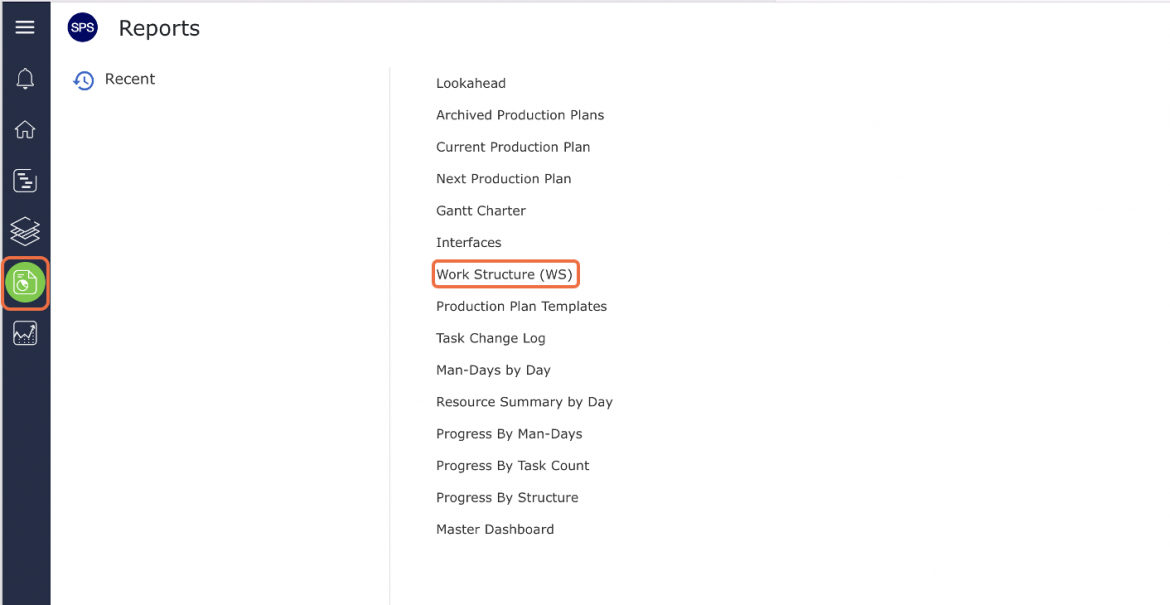
- From the Main Navigation Bar select Reports, and then select Work Structure.
- The Work Structure report opens in a new window.
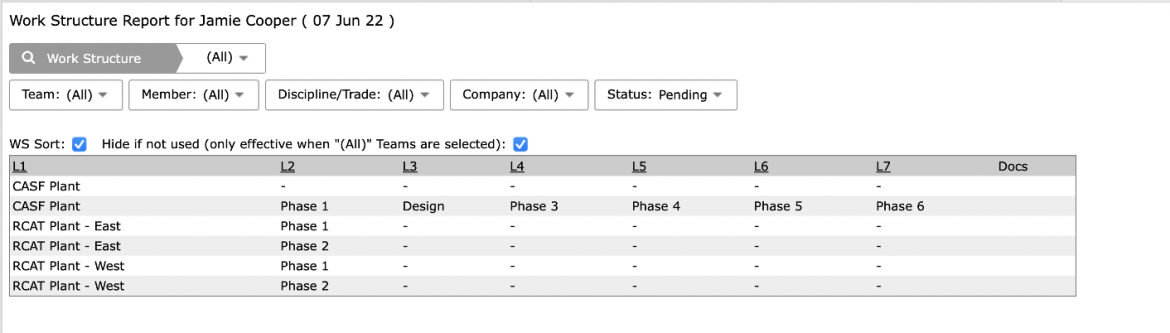
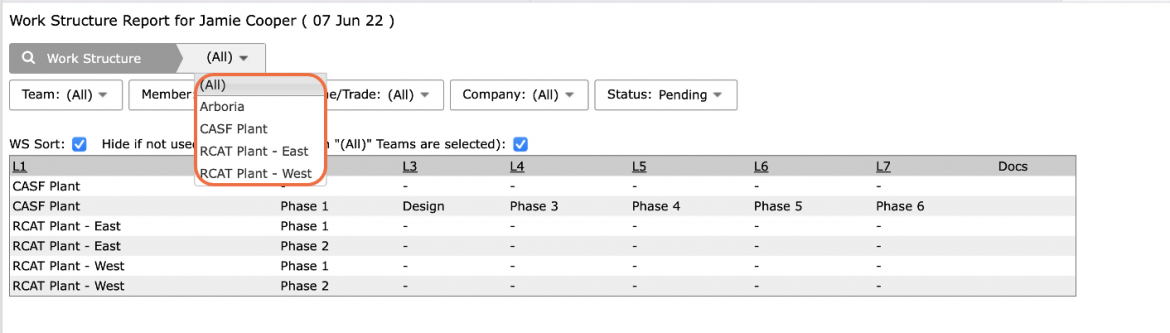
- The data shown on the report can be limited by filtering by Work Structure, team, team member, Discipline / Trade, company, and Milestone / Task status.
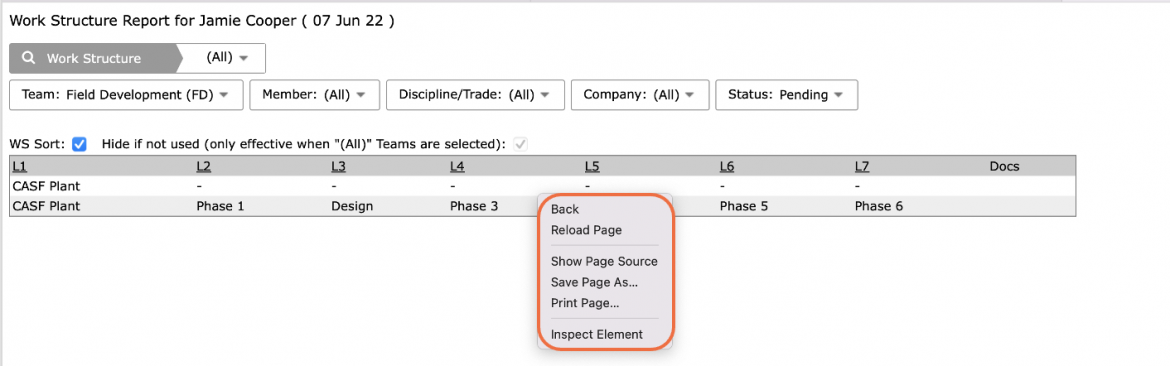
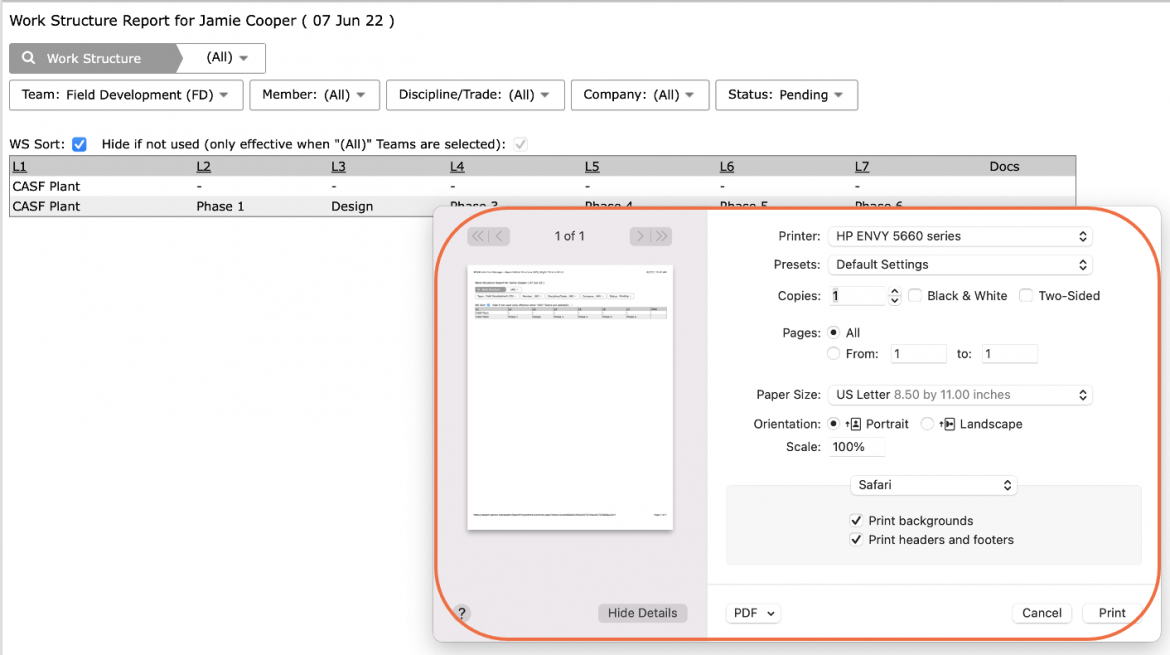
- Depending on your browser, access to printing options may vary. For example, if you use Internet Explorer, to print the Work Structure report, right-click anywhere on the Work Structure report and select Print from the menu or simultaneously press the Ctrl and P keys on your keyboard.
- The Print Dialogue box opens.
- Using the Print Dialogue box, change any desired print settings. Once all relevant printing settings have been modified, click the Print button.
Note: Before printing the report, it is recommended you confirm whether the report fits the desired paper size.