
The Network Manager allows you to create, edit or duplicate a standard process. Admin level 2 or greater is required.
To access the Network Manager in the standard process library, complete the steps below:
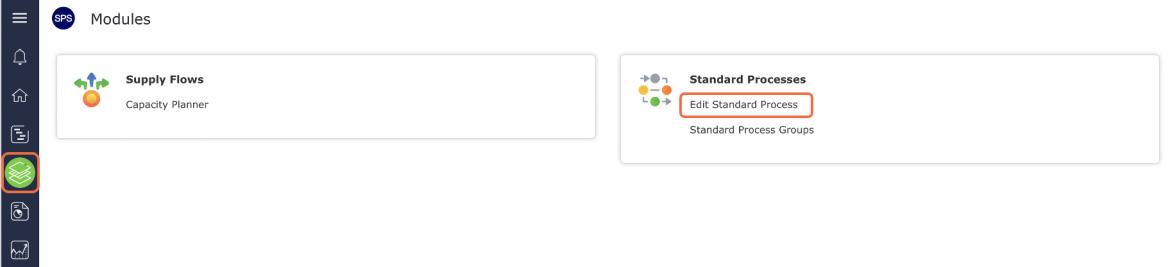
From the Main Navigation Bar select Modules, then select Edit Standard Process
Create New Standard Process – Network Manager
To create a new standard process using Network Manager, complete the steps below: From the Main Navigation Bar select Modules,...
Capture Standard Process from Existing Production Schedule
With the objective to create Production Schedules with the highest number of standard processes and a minimum number of one-off...
Edit Existing Standard Process
Once you create a standard process in SPS|PM, anyone with admin level 2 or greater may edit the process. To...
Duplicate Existing Standard Process
It can be advantageous and / or necessary to create a copy of an existing standard process in a situation...