A task is Completed Not Planned when all work related to the task has been completed, but the task was not loaded on a Production Plan. When this situation occurs, team members are responsible for updating their tasks as Completed Not Planned (see Update Current Production Plan for more information).
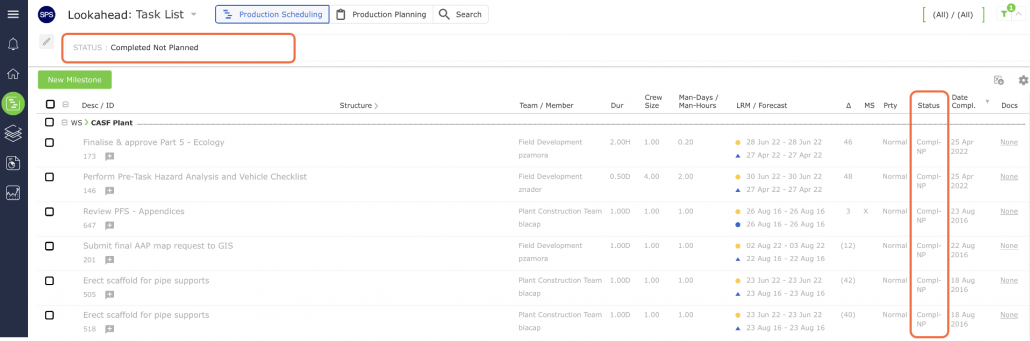
A task that has been Completed Not Planned shows Compl-NP in the Status column and is shown in gray text as shown in the image below. It will also disappear from the Lookahead if the Status filter is set to Pending.