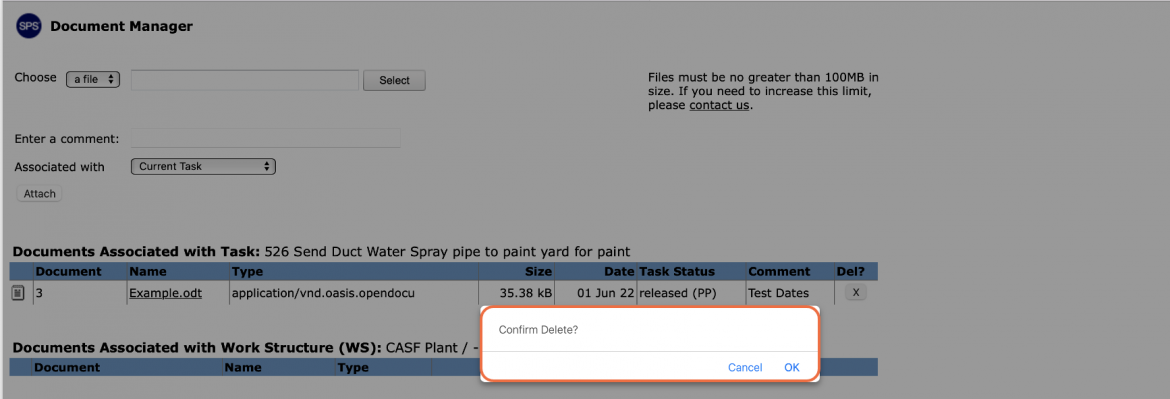
Any file / URL attached to a Milestone / Task or Work Structure can be deleted except when the associated Milestone / Task status is: Completed, Completed Not Planned, or on the Current Production Plan. Also, only the task owner or team member with Team-Level Access may delete a file or URL.
To delete a file / URL, complete the steps below.
- Open the Document Manager window by following the View Attached File / URL steps.
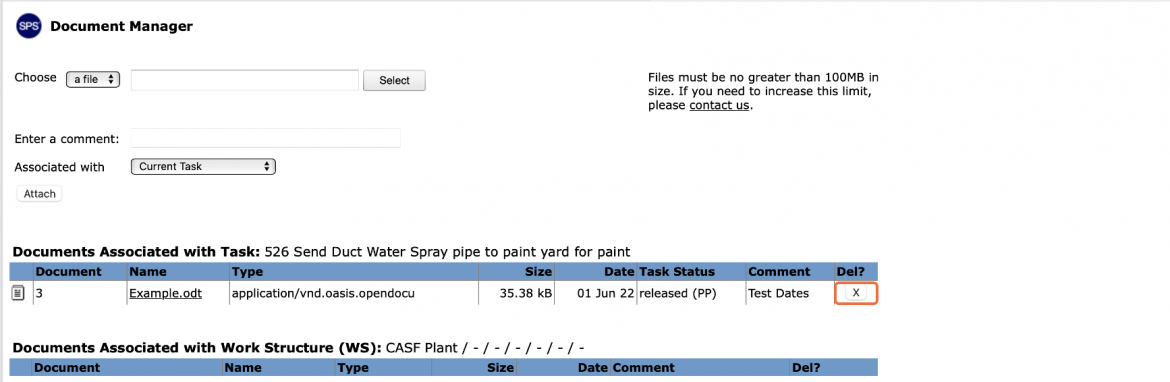
- In the Document Manager window, locate the file / URL you wish to delete and click the X button under the Del? column.
- In the Confirmation window, click the OK button if you want to proceed with removing the file / URL. If you do not wish to proceed, click the Cancel button.