
Understanding the network of tasks allows for the ability to visualize the activities and their relationships with each other. This ability grants opportunities for changes that should occur to enable increased reliability. The Network between Tasks analytic allows you to view all tasks between two specifically determined tasks.
To access Network between Tasks, complete the steps below:
- From the Main Navigation Bar select Analytics, then select Network between Tasks.
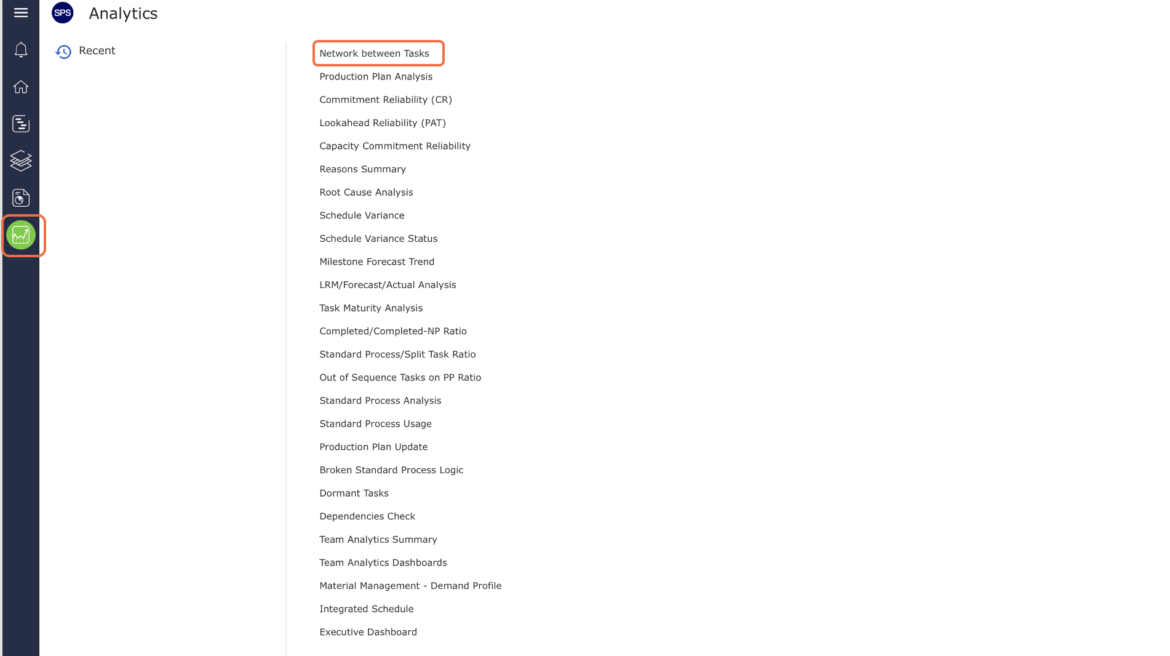
- Network between Tasks opens in a new window.
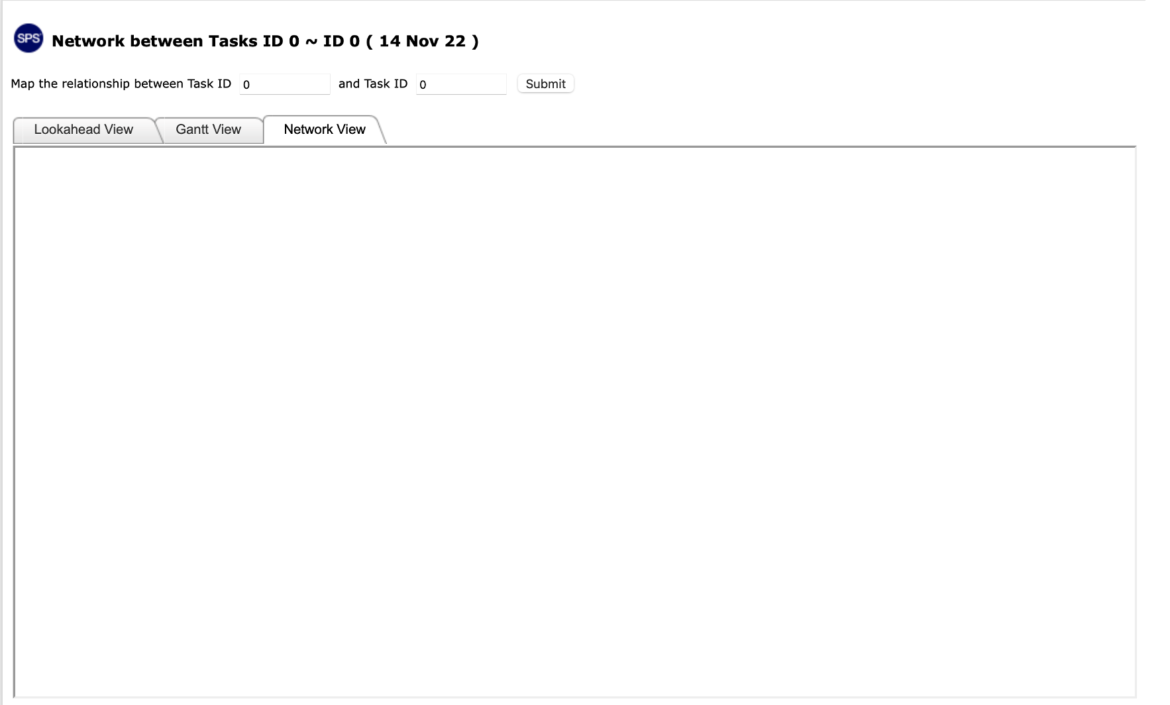
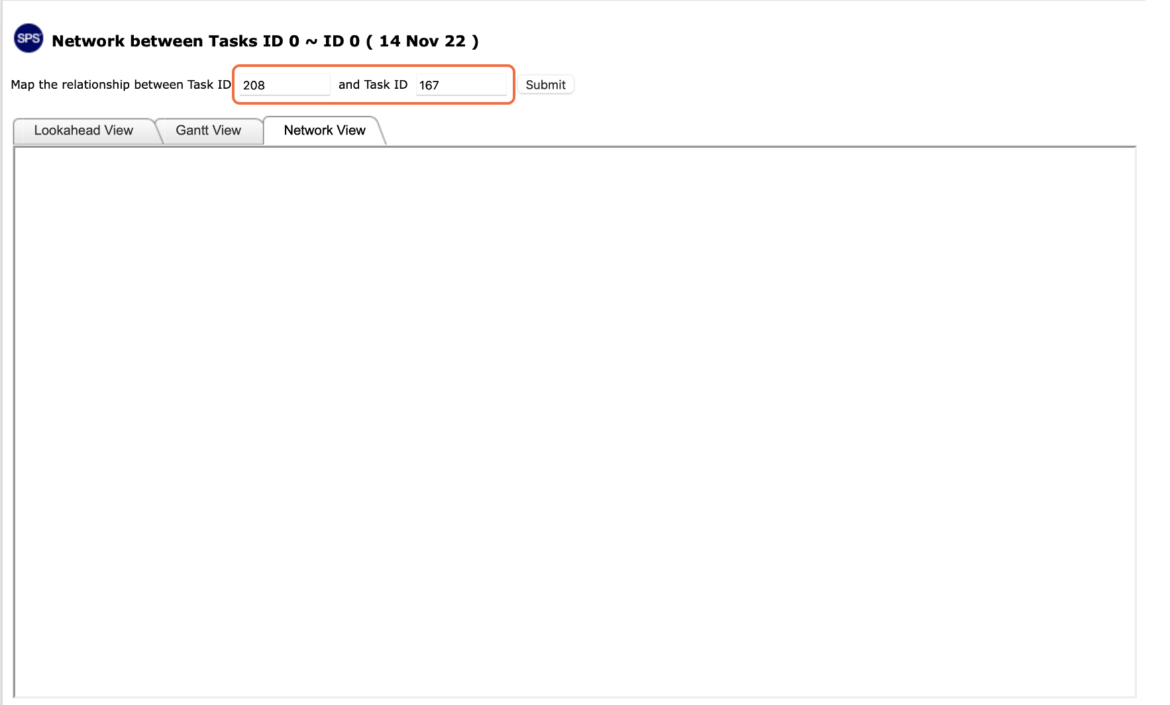
- In the Task ID fields, enter the two task ID numbers you want to view the network between.
- Select Submit
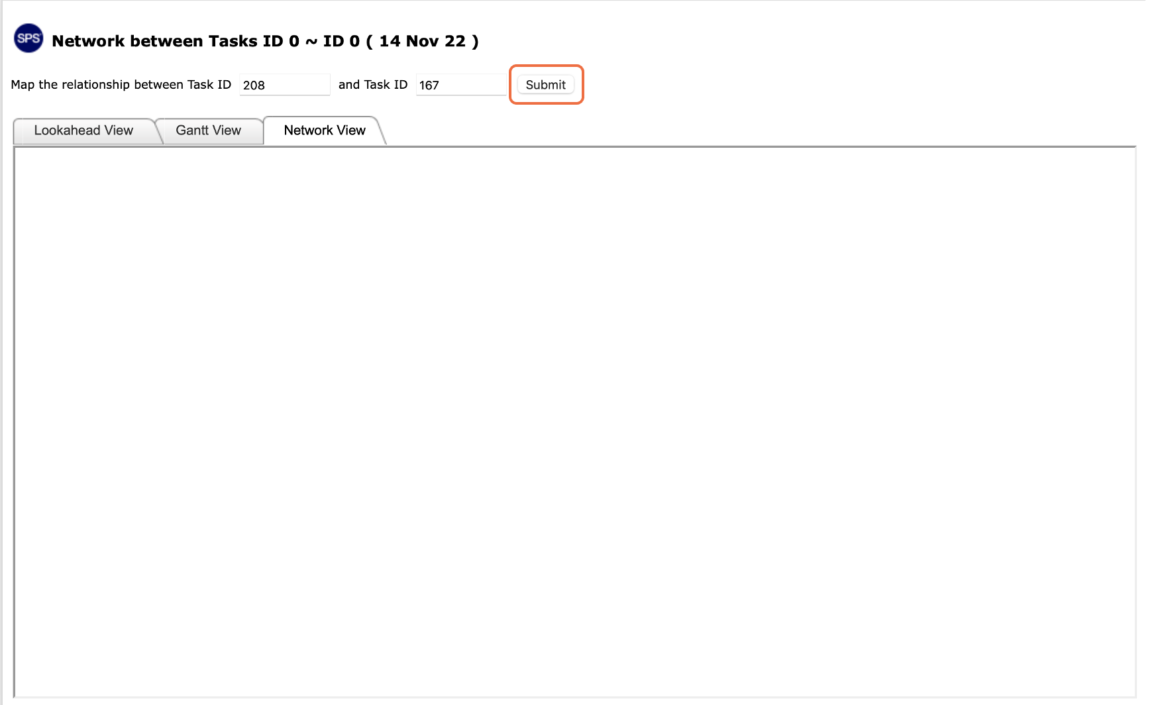
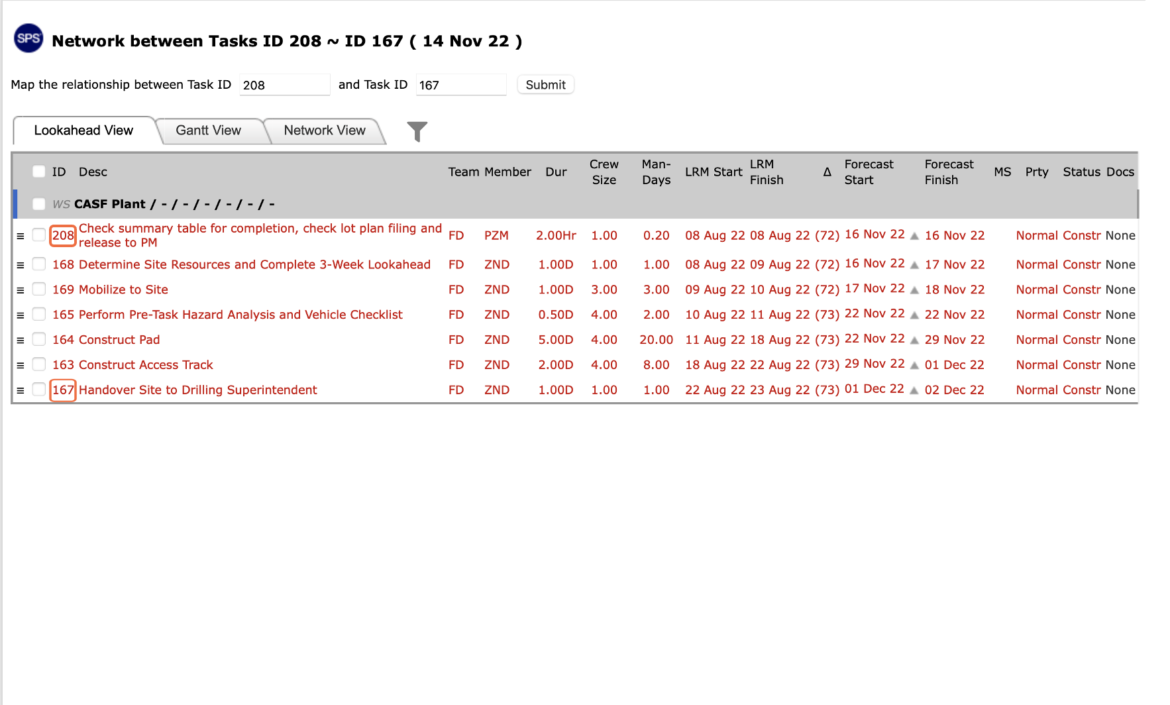
- The list of tasks will display with the preselected tasks at the top and bottom of the list. The remaining tasks are those that reside between the preselected tasks.
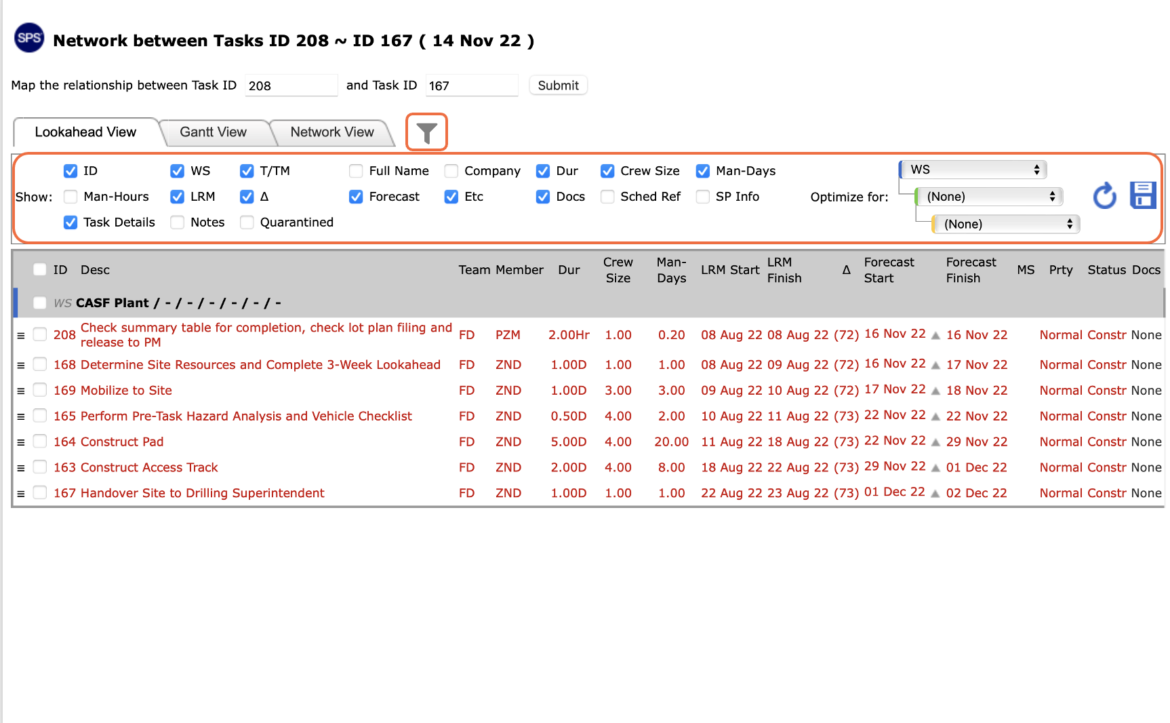
- To view the filter select the filter icon. Once selected the filter will open under the view tabs.
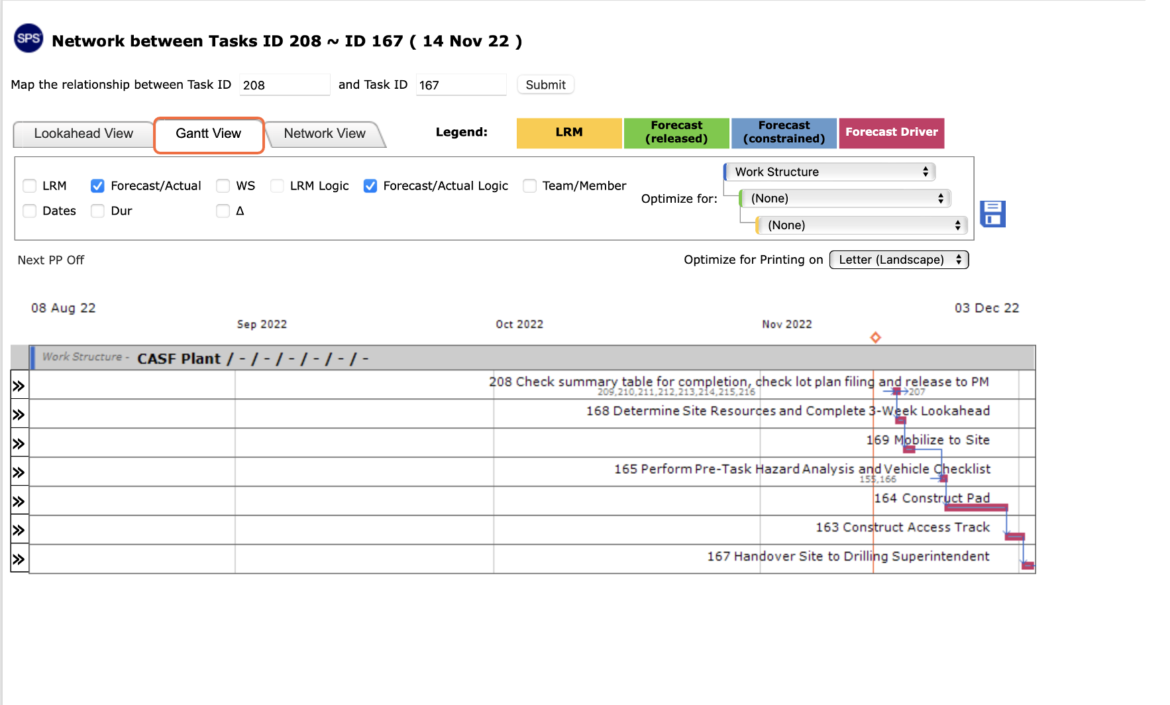
- To view Network between Tasks as a Gantt chart, select Gantt View.
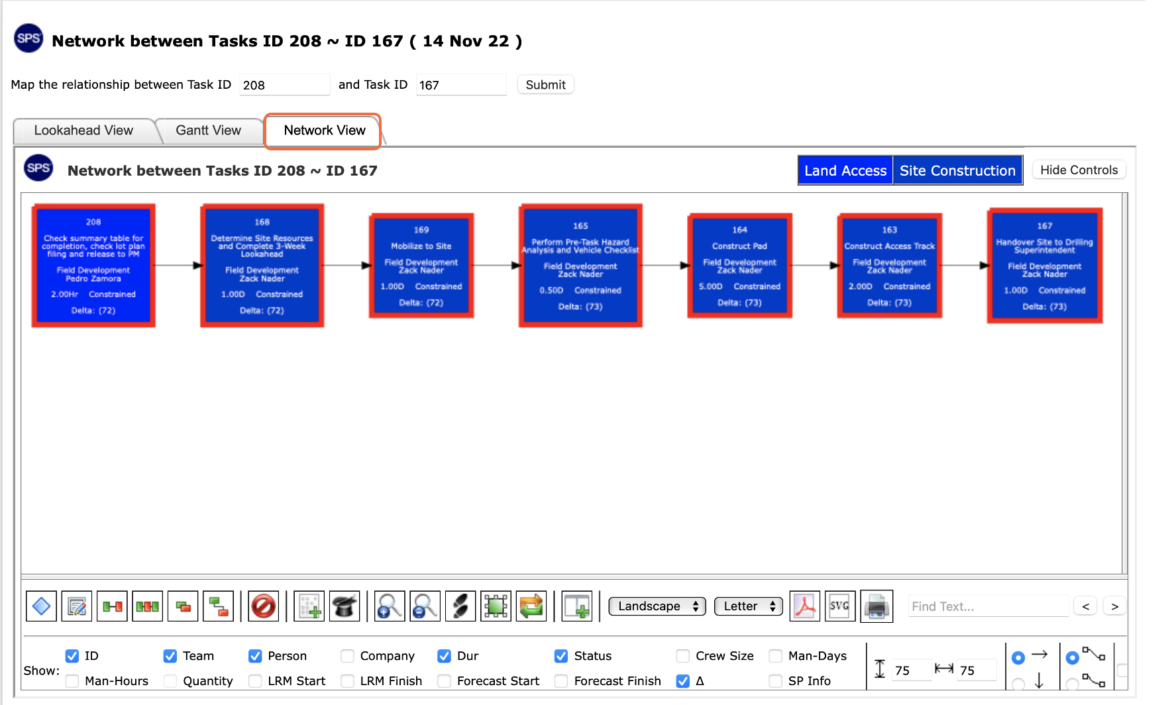
- You can also select Network View to see the Network between Tasks as a Network diagram.
- To print Network between Tasks, options may differ based on your browser. For instance, if you are using Internet Explorer, right-click anywhere on the screen and select Print from the menu or simultaneously press the Ctrl and P keys on your keyboard.
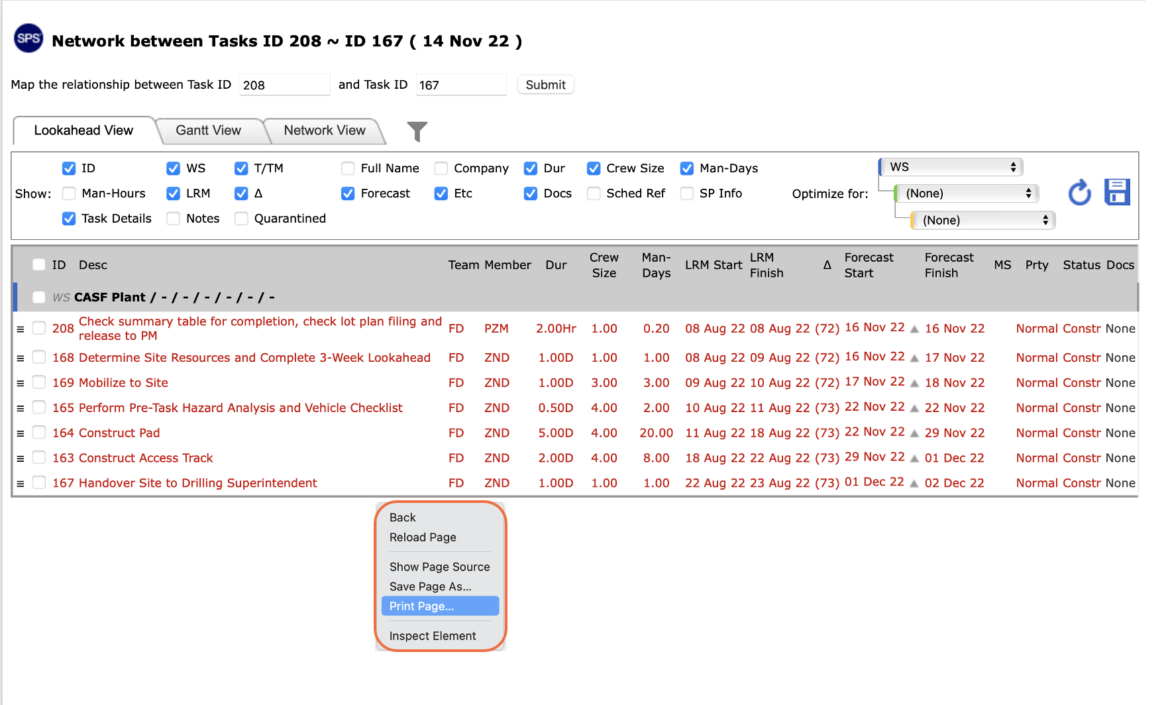
- The Print Dialogue box opens.
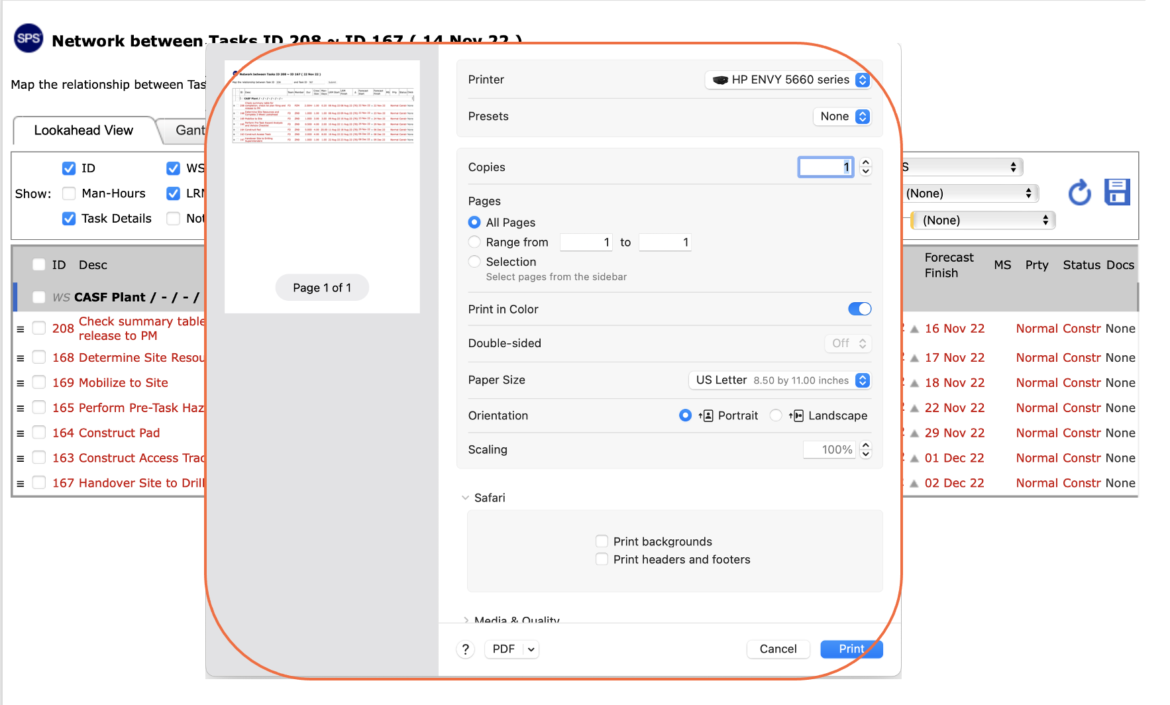
- Once all relevant printing settings have been modified, click the Print button.
Note: Before printing, it is recommended you confirm the fit to the desired paper size.