
Under some circumstances, retired teams may need to be active again. To Reinstate a team that has been retired, the individual performing this action must have admin access level 3 or higher. With this level of admin, the individual does not need to belong to the team to reinstate it.
To reinstate an existing team, complete the following steps:
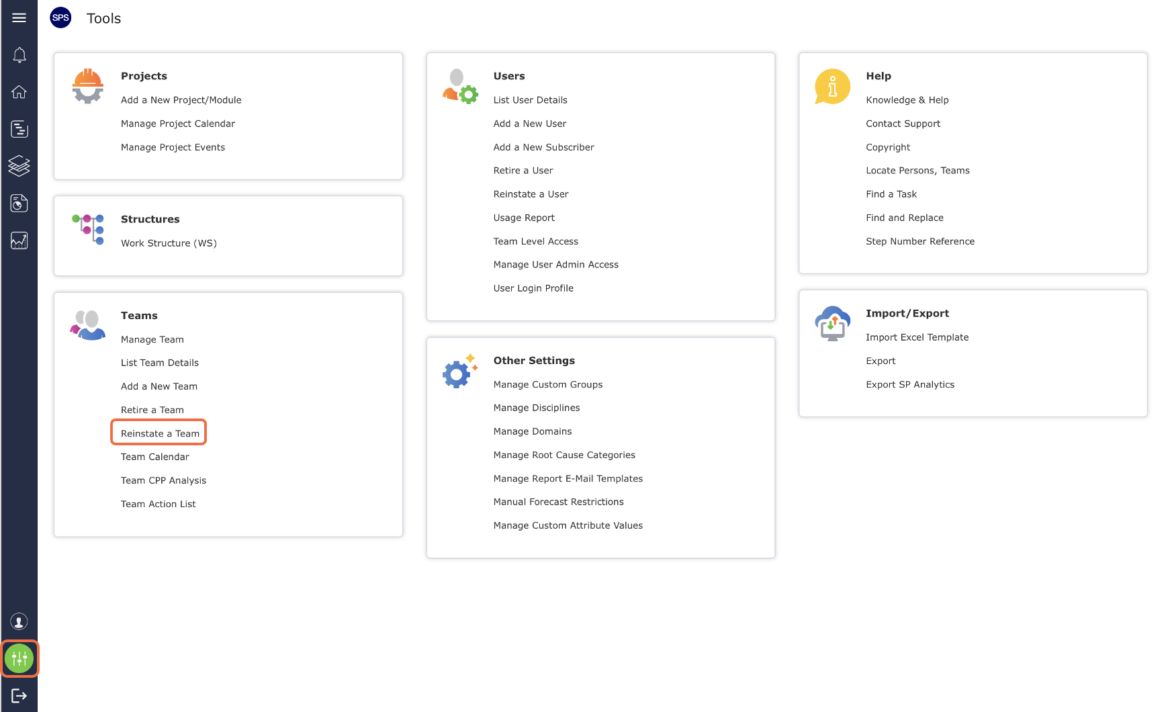
- From the Main Navigation Bar select Tools, then select Reinstate a Team.
- The Reinstate a Team window opens. Select the desired team to reinstate from the drop-down.

- Click the Reinstate a Team button.

- The Reinstate a Team window refreshes and displays a confirmation message as shown in the image below.
