
The ability to monitor the project team’s effectiveness in performing Production Planning and work execution is a necessary tool for leadership. Team Analytics Summary does this by providing a summary of key analytics for all active teams focusing only on current and last Production Plans. It answers the question: “What teams have created Production Plans, when and what were the results?”
The Analytic enables project and team leadership to access a quick and simple summary of key analytics for all active teams as per the Current and last Production Plans committed. It includes Analytics such as Commitment Reliability, Reasons Summary and Root Cause for non-completed tasks, workload (number of tasks planned), workload by Disciplines / Trades, Task Maturity, PAT 5, and PAT 10.
To access Team Analytics Summary, complete the steps below:
- From the Main Navigation Bar select Analytics, then select Team Analytics Summary.
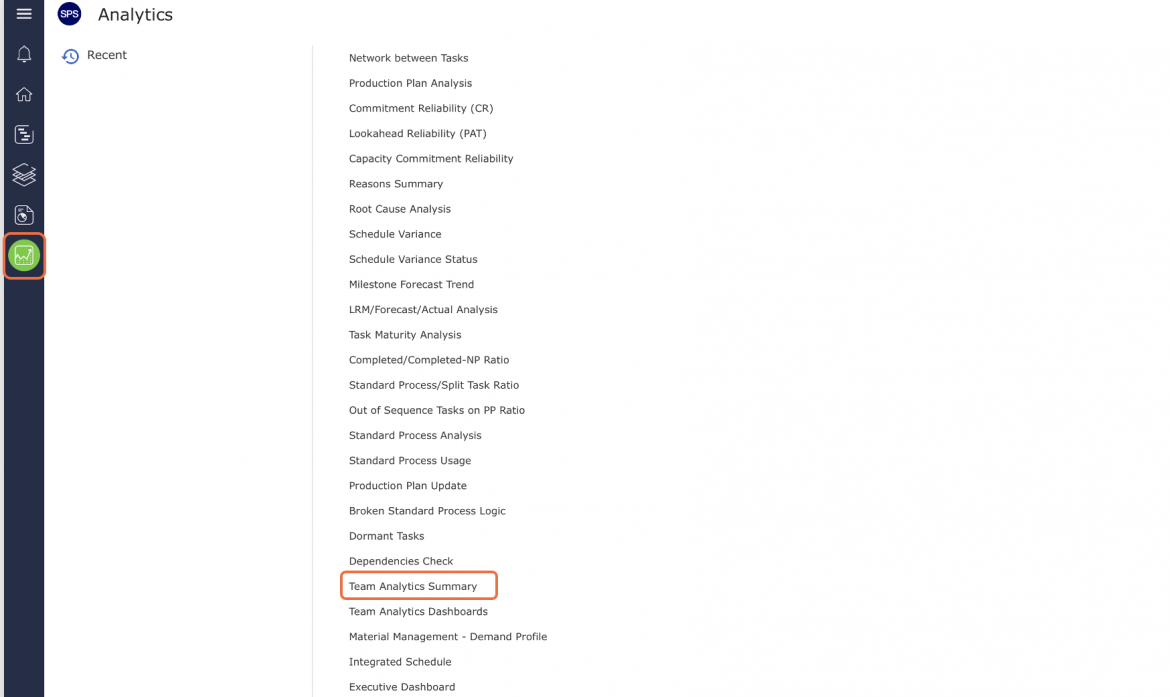
- Team Analytics Summary opens in a new window and automatically displays the Analytic for all project teams.

- For more information on each Analytic see: Commitment Reliability, Reasons Summary, Root Cause Analysis, Lookahead Reliability (PAT) and Task Maturity Analysis.
- To print Team Analytics Summary, options may differ based on your browser. For instance, if you are using Internet Explorer, right-click anywhere on Team Analytics Summary and select Print from the menu or simultaneously press the Ctrl and P keys on your keyboard.
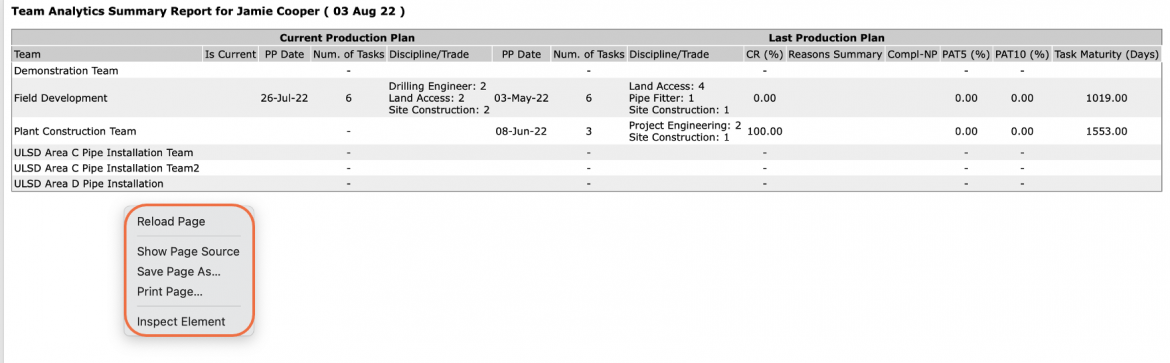
- The Print Dialogue box opens.
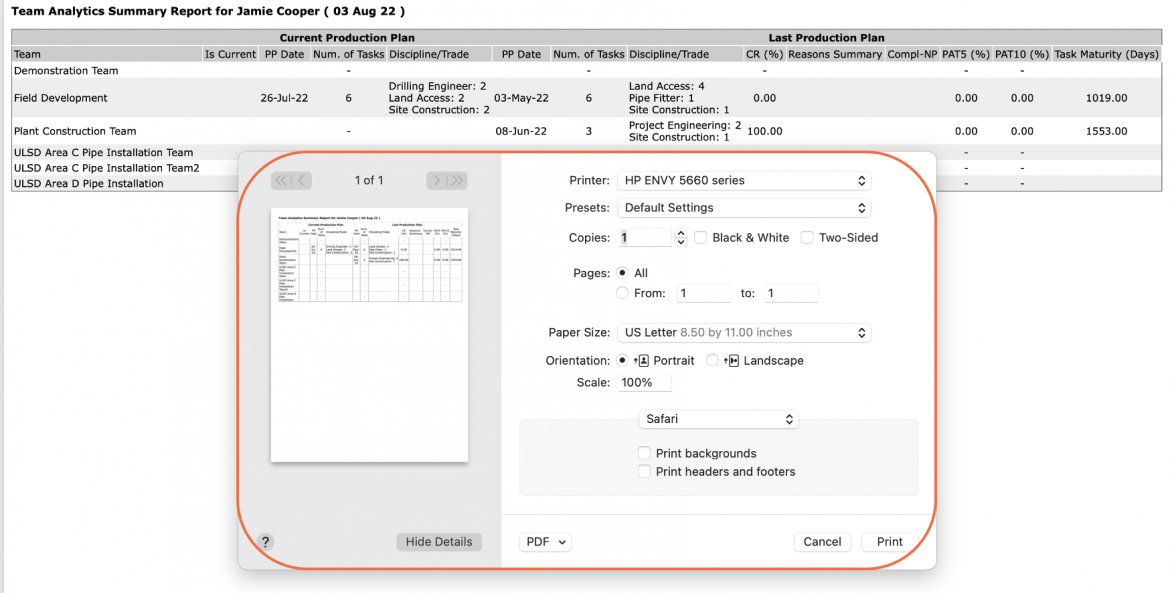
- Once all relevant printing settings have been modified, click the Print button.
Note: Before printing, it is recommended you confirm the fit to the desired paper size.