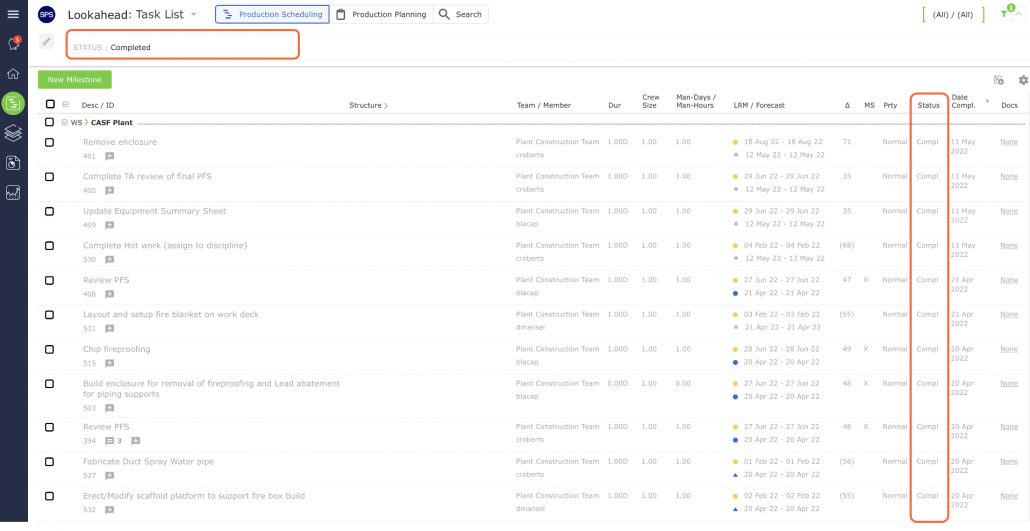
A task should only be considered completed when all work relating to the task has been completed and all task requirements have been met. Only tasks, which have been loaded on a Production Plan, can be assigned a status of Completed. Each team member (or a team member with Team-Level Access) is responsible for entering a status of Completed for their tasks when updating a Production Plan (see Update Current Production Plan for more information).
Once updated as Completed, the task shows Compl in the Status column (and disappears from the Lookahead if the Status filter is set to the default Pending value) and the task entry is displayed in grey text as shown in the image below.